8
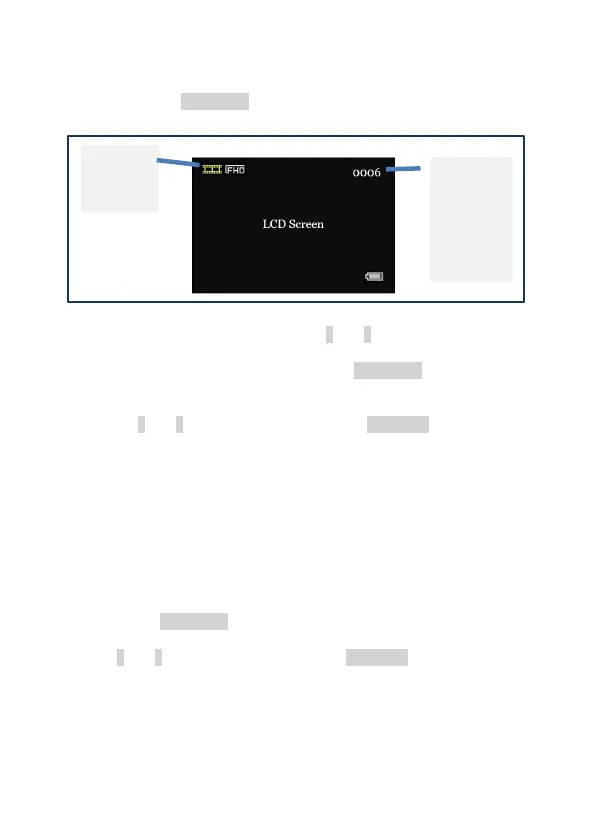
8. PLAYBACK mode (Swift 2 Pro only)
• Long press REC/MENU to enter PLAYBACK mode.
• To scroll through your videos, use ↑ and ↓.
• To view the current video, short press REC/MENU. A menu will
appear. The menu options are Play, Delete, Delete all, Exit.
• Use ↑ and ↓ to navigate the menu. Press ZOOM/OK to select a
menu option.
• Please note: Videos recorded by the Swift 2 Pro include audio
recorded by the unit’s microphone, but you must view the
videos on a computer to hear the audio. The Swift 2 Pro does
not have an integrated speaker.
9. SETTINGS mode
• Long press REC/MENU to reach the SETTINGS mode.
• Use ↑ and ↓ to navigate the menu. Press ZOOM/OK to select a
menu option.
• NOTE: Some of the settings below relate to recording video
footage and therefore only appear on the Swift 2 Pro model.



 To Next Page