7
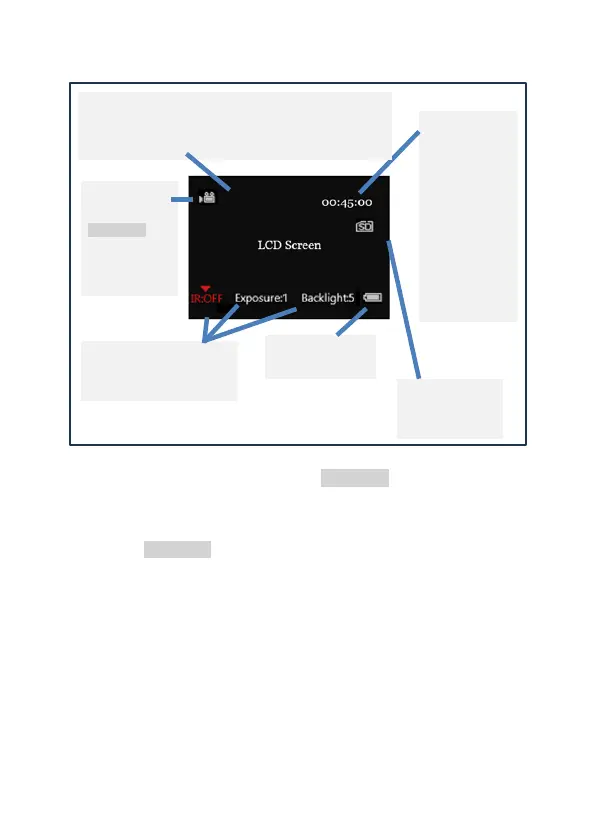
• LCD Screen display when in VIDEO mode:
• When in VIDEO mode, short press REC/MENU to start
recording. A red recording symbol will flash at the top of the
screen.
• Press REC/MENU again to finish recording. The video will
automatically save.
• You can watch footage recorded on the Swift 2 Pro in
PLAYBACK mode (see section 8), or download the footage to
watch on a computer or other device.
Lunarsight / 850nm / 940nm icon. Indicates whether
ambient light only is being used (“Lunarsight”), or the
850nm / 940nm infrared LED is in use



 To Next Page