11
s
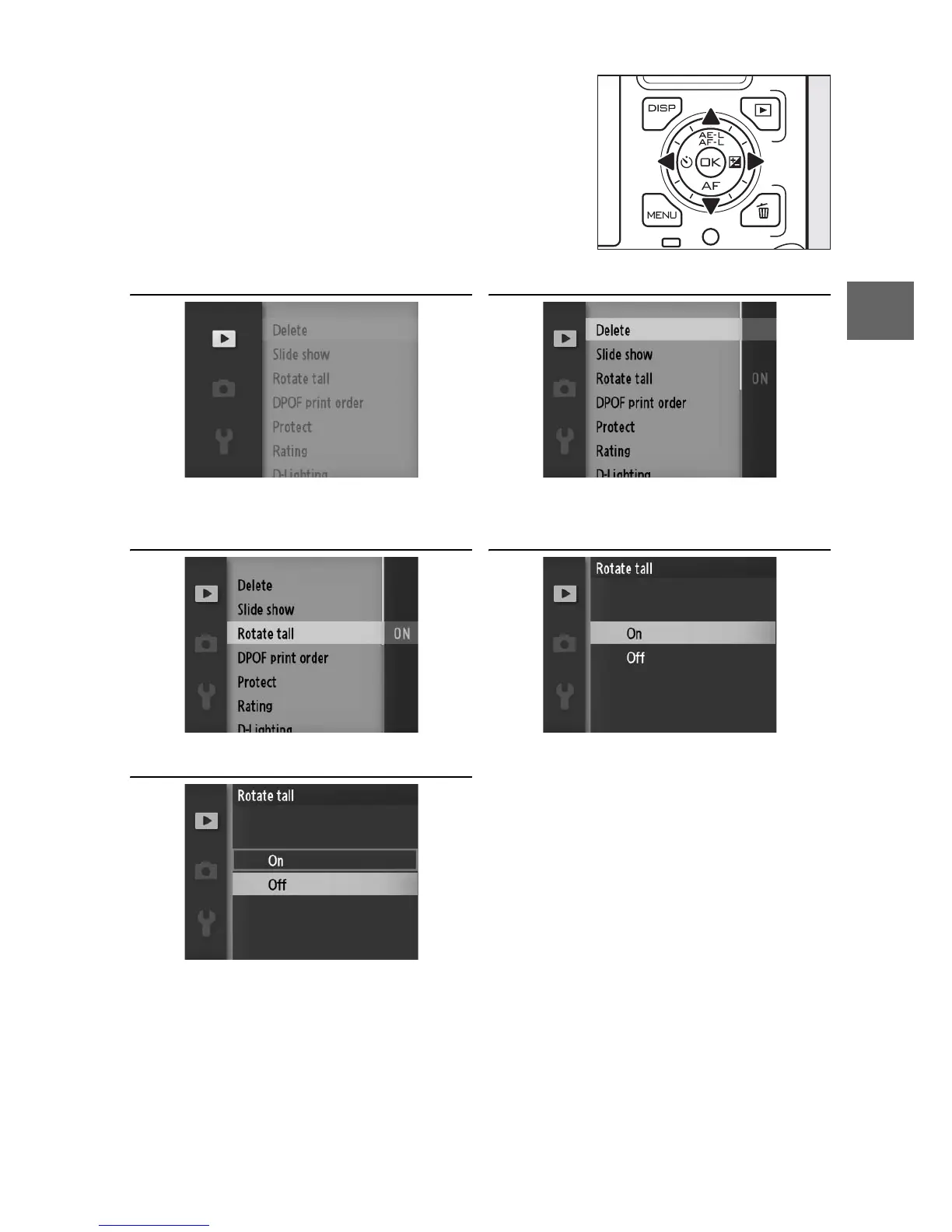
❚❚ Using the Menus
To exit the menus and return to shooting mode, press the shut-
ter-release button halfway (0 26).
Use the multi selector to navigate the
menus (0 8).
Multi selector
1 2
Select desired menu. Press 2 to place cursor
in selected menu.
3 4
Highlight menu item. Press 2 to display options.
5
Note: The items listed may vary with
camera settings. Items displayed in
gray are not currently available.
Highlight desired option
and press J to select.



 To Next Page