127
i
Fine-Tuning White Balance
Options other than Preset manual can be fine-tuned as follows:
1
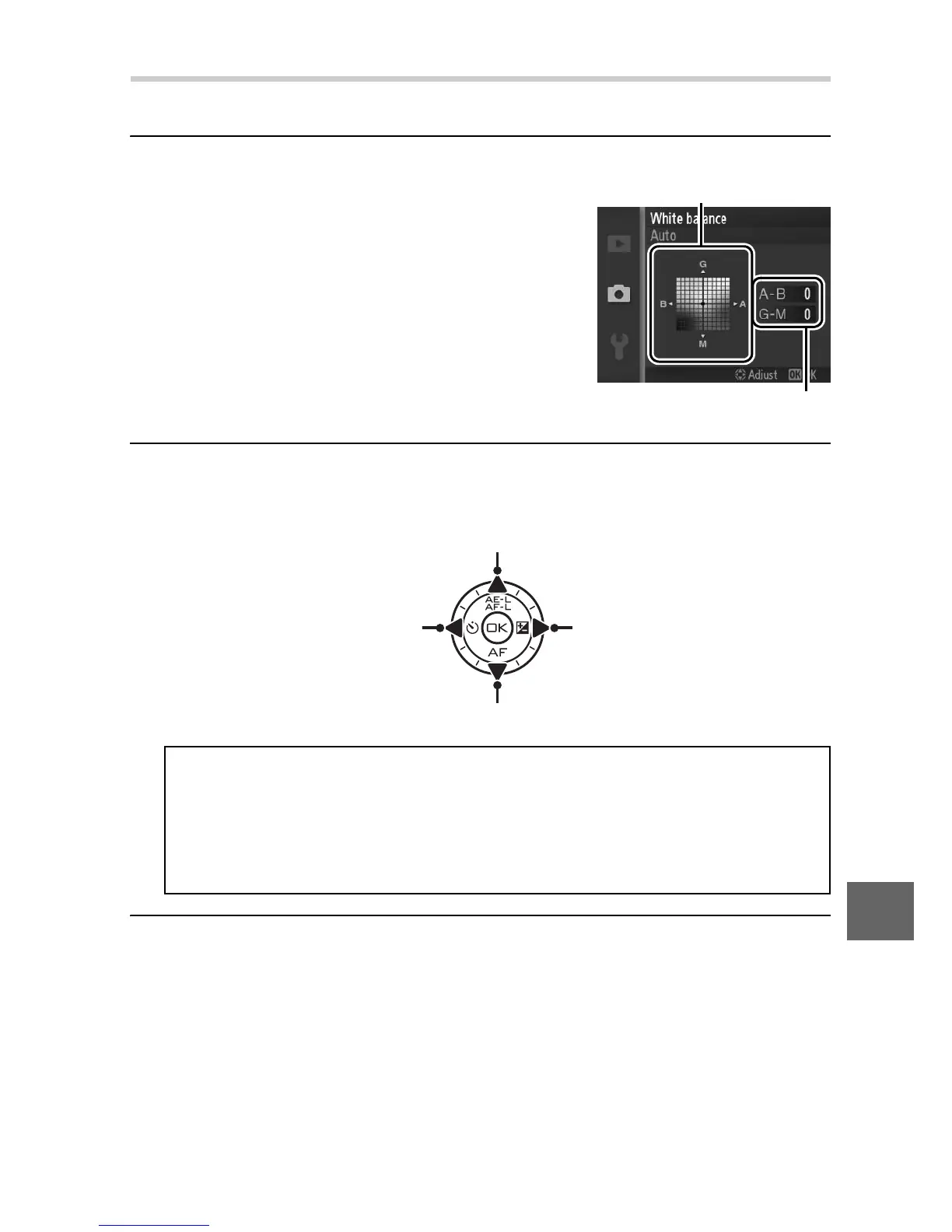
Display fine-tuning options.
Highlight an option other than Preset
manual and press 2 to display the
fine-tuning options shown at right.
2
Fine-tune white balance.
Use the multi selector to fine-tune white balance.
3
Save changes and exit.
Press J. An asterisk will appear next to the white balance
icon (0 4) in the detailed display (0 5) to show that white
balance has been altered from default values.
Increase green
Increase blue Increase amber
Increase magenta
A
White Balance Fine Tuning
The colors on the fine-tuning axes are relative, not absolute. For
example, moving the cursor to B (blue) when a “warm” setting such
as J (incandescent) is selected will make photographs slightly
“colder” but will not actually make them blue.
Coordinates
Adjustmen



 To Next Page