75
I
Pictures can be deleted from the memory card as described
below. Note that once deleted, pictures can not be recovered;
protected images, however, will not be deleted.
Deleting the Current Picture
The Playback Menu
To delete multiple images, press the G button, select Delete
in the playback menu, and choose from the options below. A
confirmation dialog will be displayed; select Ye s to delete the
images (note that some time may be required if a large number
of images is selected).
Deleting Pictures
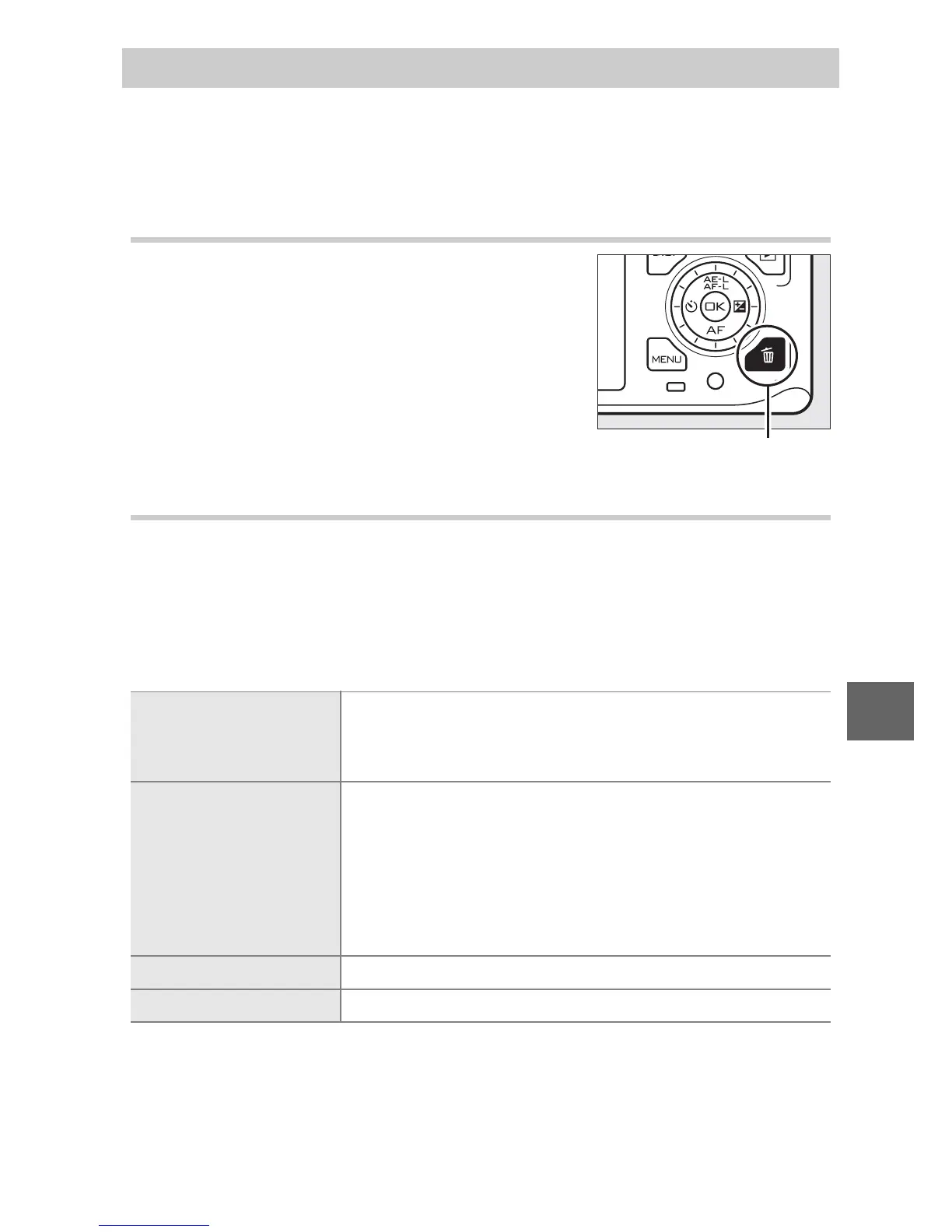
To delete the picture currently displayed
in full-frame playback or selected in the
thumbnail list, press O. A confirmation
dialog will be displayed; press O again to
delete the picture and return to playback,
or press K to exit without deleting the
picture.
O button
Delete selected images
Highlight images and press 1 or 3 to select or
deselect (0 102). Press J to exit when the selec-
tion is complete.
Select images by date
Highlight dates and press 2 to select or deselect.
To view the pictures taken on the highlighted
date, press W down; hold W up to view the high-
lighted picture full frame or press W down again to
return to the date list. Press J to delete all pic-
tures taken on the selected dates.
Delete all images Delete all pictures on the memory card.
Discard Delete all pictures rated ) (discard; 0 76).



 To Next Page