91
Q
High-Definition Devices
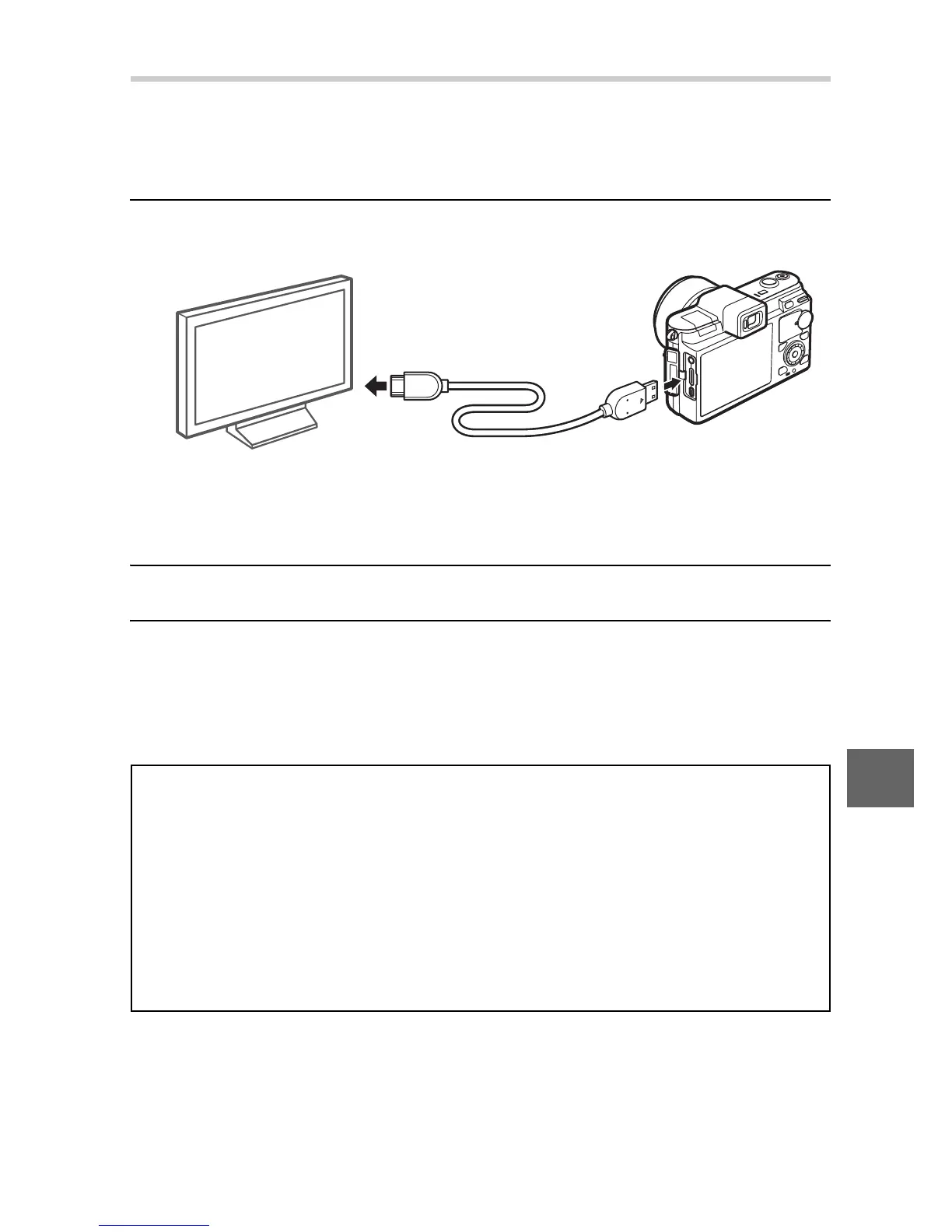
A type C mini-pin High-Definition Multimedia Interface (HDMI)
cable (available separately from third-party suppliers) can be
used to connect the camera to high-definition video devices.
1
Connect the HDMI cable.
Turn the camera off and connect the HDMI cable.
2
Tune the device to the HDMI channel.
3
Turn the camera on.
Turn the camera on; the camera monitor will remain off and
the camera shooting mode display will appear on the HD
device. Stereo sound recorded with movies plays in stereo.
D
Close the Connector Cover
Close the connector cover when the connectors are not in use. Foreign
matter in the connectors can interfere with data transfer.
A
Television Playback
Volume can be adjusted using the controls on the television; adjusting
volume on the camera has no effect. Use of an EH-5b AC adapter and
EP-5B power connector (available separately) is recommended for
extended playback.
Connect to HD device
(choose cable with
appropriate connector)
Connect to camera



 To Next Page