ii
Getting the Most from Your Camera
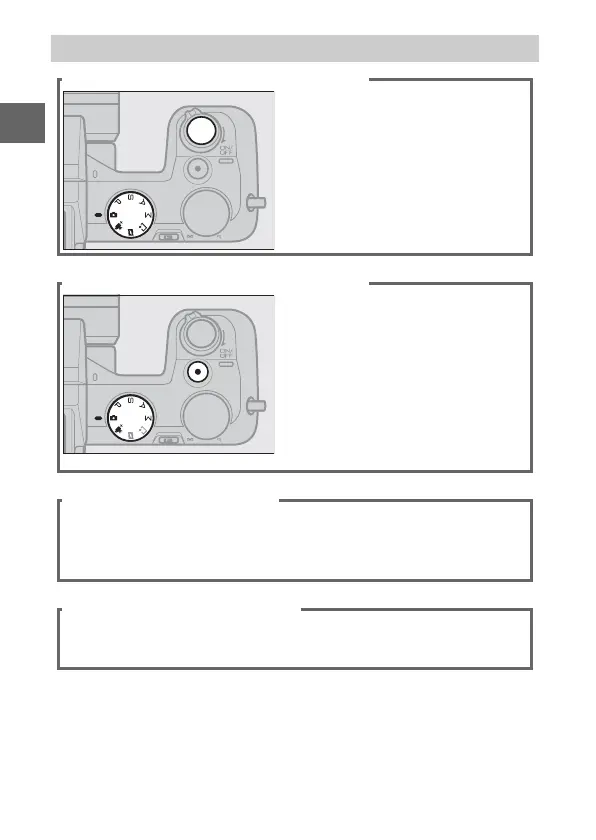
Take photos with the shutter-release button.
Photos can be taken in any
mode by pressing the shutter-
release button. In Motion Snap-
shot mode(0 59), the camera
will also record a brief movie
vignette.
Shoot movies with the movie-record button.
Movies can be recorded by
pressing the movie-record but-
ton in auto, advanced movie, t,
u, v, and w modes.
Choose
auto mode (0 23) for basic
recording, advanced movie
mode (0 49) for more advanced
techniques.
Create short movies with music.
q Install the supplied software (0 91), w copy photos and
movies to your computer (0 95), and e use Short Movie Cre-
ator to create short movies (0 98).
View short movies in high definition.
q Transfer short movies to the camera (0 99) and use an
HDMI cable to w connect the camera to an HDTV (0 100).



 To Next Page