73
t
Taking Pictures
Follow the steps below to take pictures with the flash.
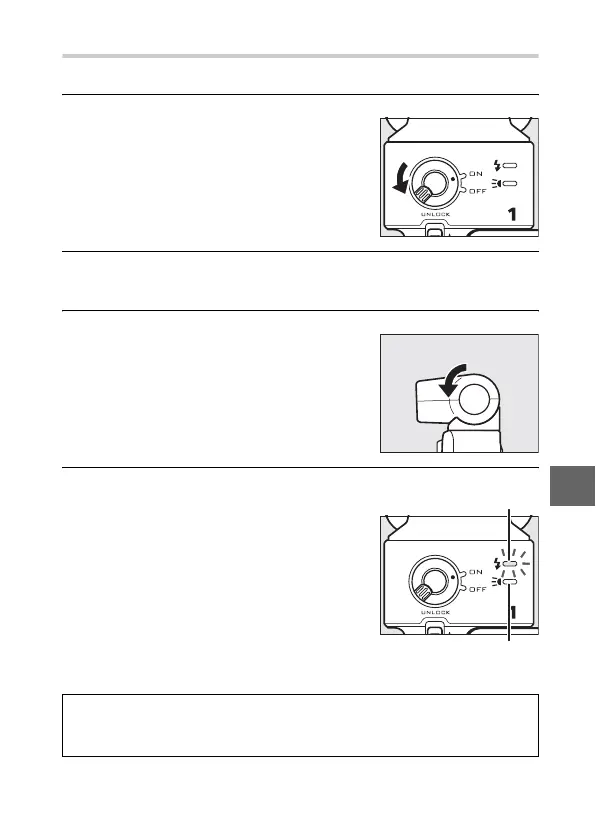
1
Turn the camera and flash unit on.
2
Choose a flash mode.
Choose a flash mode as described on page 70.
3
Position the flash head.
4
Take pictures.
Rotate the flash head so that it points
directly ahead.
Before shooting, confirm that the flash
status indicator on the rear of the flash
unit is lit and that the flash-ready indi-
cator (N) appears in the camera dis-
play. To take pictures without the
flash, turn the flash unit off.
Flash status indicator
Capture-illuminator
status indicator
A
See Also
See page 157 for information on flash control, or page 158 for informa-
tion on adjusting flash level.



 To Next Page