36
#
v Aperture-Priority Auto
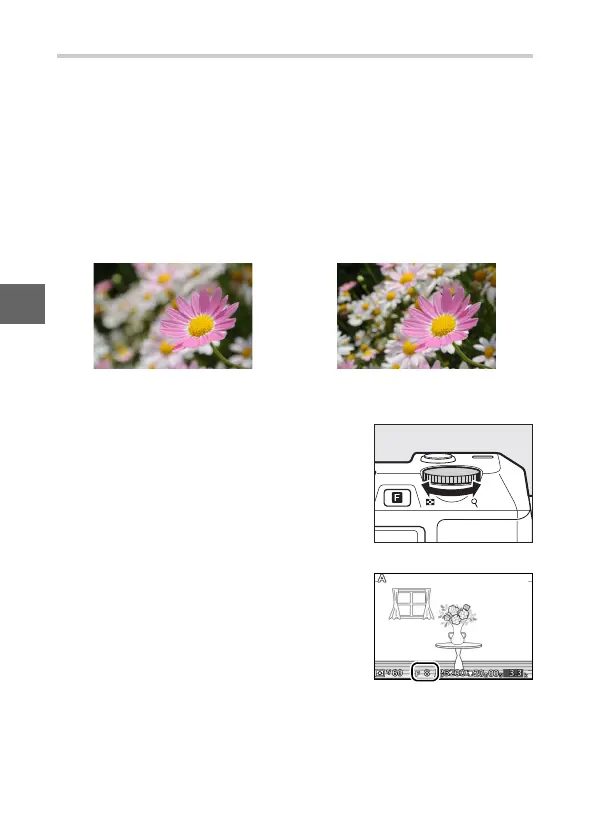
In aperture-priority auto, you choose the aperture while the
camera automatically selects the shutter speed that will produce
the optimal exposure. Large apertures (low f-numbers) reduce
depth of field, blurring objects behind and in front of the main
subject. Small apertures (high f-numbers) increase depth of
field, bringing out details in the background and foreground.
Short field depths are generally used in portraits to blur back-
ground details, long field depths in landscape photographs to
bring the foreground and background into focus.
❚❚ Choosing an Aperture
Rotate the command dial right for
smaller apertures (higher f-numbers), left
for larger apertures (lower f-numbers).
The minimum and maximum values
depend on the lens currently in use.
Large aperture (f/5.6) Small aperture (f/16)
Command dial



 To Next Page