63
t
t
More on Photography
Pressing 4 (C) on the multi selector displays a choice of shutter-
release modes for still photography:
Continuous Mode
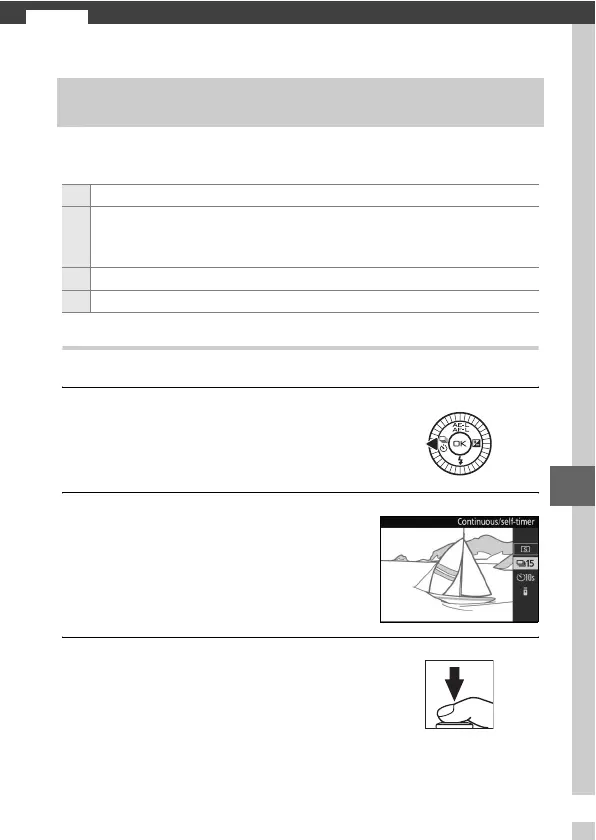
To take pictures in continuous mode:
1
Display release mode options.
2
Select I.
3
Compose the shot and start shooting.
Single-Frame, Continuous, Self-Timer, and Remote
Control Modes
8 Single frame: The camera takes pictures one at a time.
I
Continuous: The camera takes photographs while the shutter-release
button is pressed. The rate can be selected using the Continuous
option in the shooting menu (0 125).
E Self-timer: Delayed shutter release (0 65).
# Remote control: The shutter is using a remote control (0 65).
Press 4 (C) to display release mode
options.
Highlight I and press J.
The camera takes pictures while the
shutter-release button is held all the
way down.



 To Next Page