154
i
Focus Lock
Focus lock can be used to change the composition after focusing
on the subject in the center of the frame, allowing you to focus
on a subject that will not be in the center of the final composi-
tion. If the camera is unable to focus using autofocus (0 150),
you can also focus on another subject at the same distance and
then use focus lock to recompose the photograph. Focus lock is
most effective when an option other than Auto-area is selected
for AF-area mode (0 153).
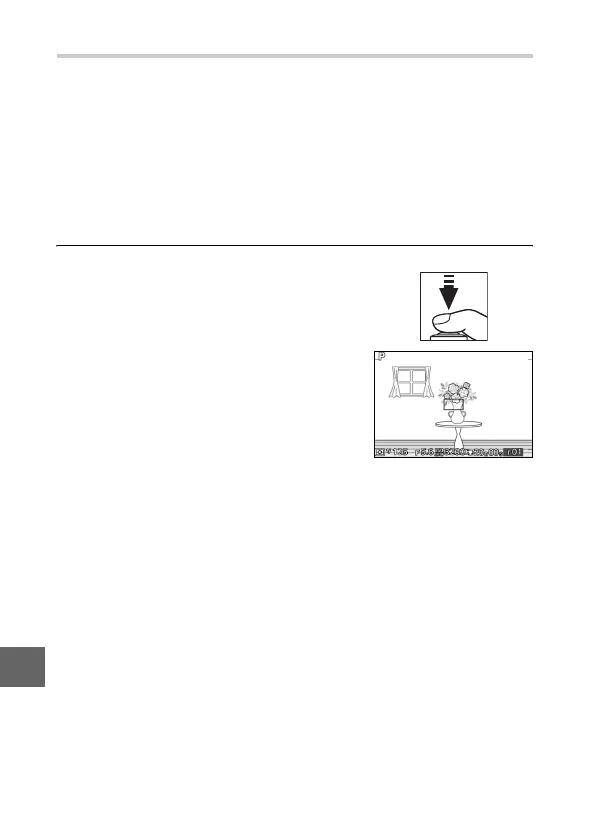
1
Focus.
Position the subject in the center of
the frame and press the shutter-
release button halfway to initiate
focus. Check that the focus area is dis-
played in green. If AF-S is selected for
focus mode (0 149), focus will lock
while the shutter-release button is
pressed halfway.



 To Next Page