49
y
y
Advanced Movie Mode
Choose this mode to film slow-motion movies or to shoot high-
definition (HD) movies in mode t, u, v, or w.
Record movies with sound at an aspect ratio of 16 : 9.
1
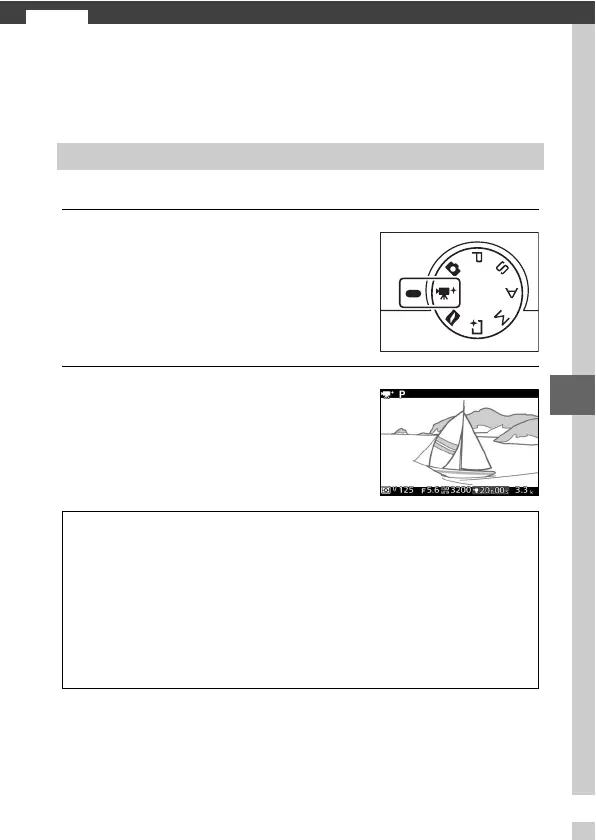
Select advanced movie mode.
2
Frame the opening shot.
HD Movies
Rotate the mode dial to v. An HD
movie crop with an aspect ratio of
16 : 9 will appear in the display.
Frame the opening shot with your
subject in the center of the display.
A
Available Settings
For information on the options available in advanced movie mode, see
page 183.
D
The 0 Icon
A 0 icon indicates that movies can not be recorded.
A
See Also
For information on choosing an exposure mode, see page 122. Frame
size and frame rate options are described on page 126.



 To Next Page