145
i
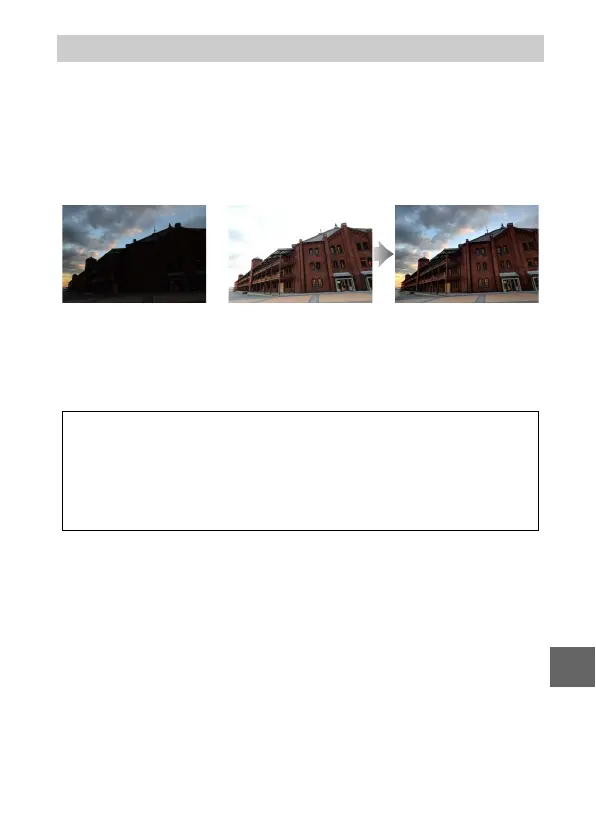
Select On to preserve details in high-contrast scenes. Each time
a picture is taken, the camera quickly takes 2 shots at different
exposures and combines them to capture a wide range of tones,
from shadows to highlights. While the shots are combined, a
message is displayed and the shutter release is disabled. The
final photograph is displayed when processing is complete.
While HDR is in effect, Z appears in the display and continuous
shooting (0 63) is disabled.
HDR (High Dynamic Range)
+
First exposure (darker) Second exposure
(brighter)
Combined HDR image
D
HDR
The edges of the image will be cropped out and neither the built-in
flash nor optional flash units will fire. The desired results may not be
achieved if the camera or subject moves during shooting. Depending
on the scene, shading may be uneven and shadows may appear
around bright objects or halos around dark objects.



 To Next Page