54
y
4
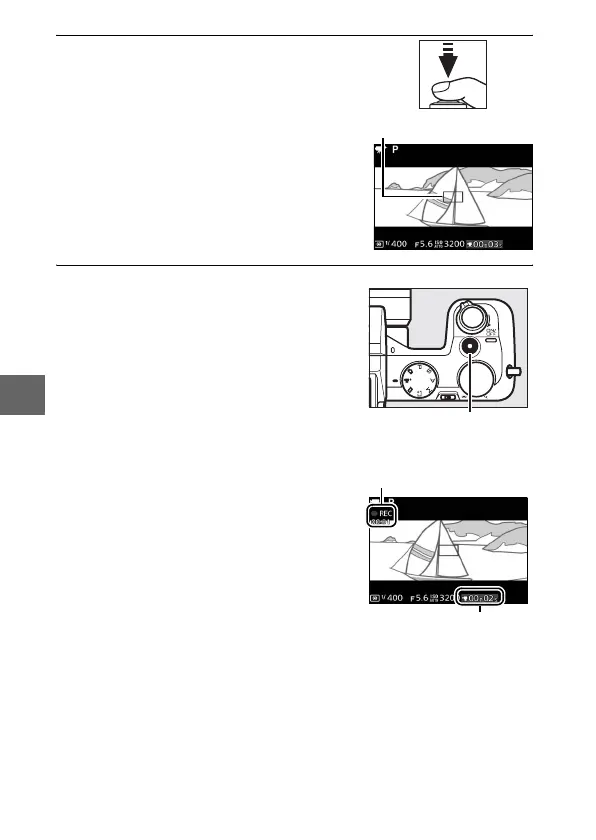
Focus.
5
Start recording.
Press the movie-record button to
begin recording. A recording indica-
tor, the time elapsed, and the time
available are displayed while record-
ing is in progress. The camera focuses
on the subject at the center of the dis-
play; face detection (0 27) is not
available and focus and exposure can
not be adjusted.
Movie-record button
Recording indicator/
Time elapsed
Time available
Focus area



 To Next Page