175
n
4
Connect the AC cable.
Connect the AC adapter AC cable to the AC socket on AC
adapter.
5
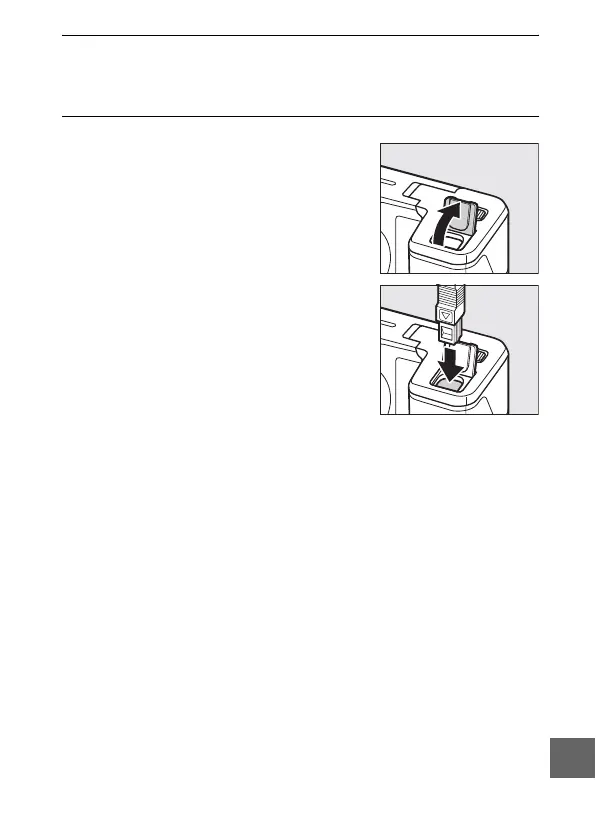
Connect the DC cable.
Open the camera power connector
cover and plug the AC adapter DC
cable securely into the DC socket on
the EP-5D. A P icon is displayed in
the monitor when the camera is pow-
ered by the AC adapter and power
connector.



 To Next Page