EasyManua.ls Logo

Nikon 1 v2 - Page 31

Nikon 1 v2
349 pages
Print Icon
To Next Page IconTo Next Page
To Previous Page IconTo Previous Page
Loading...
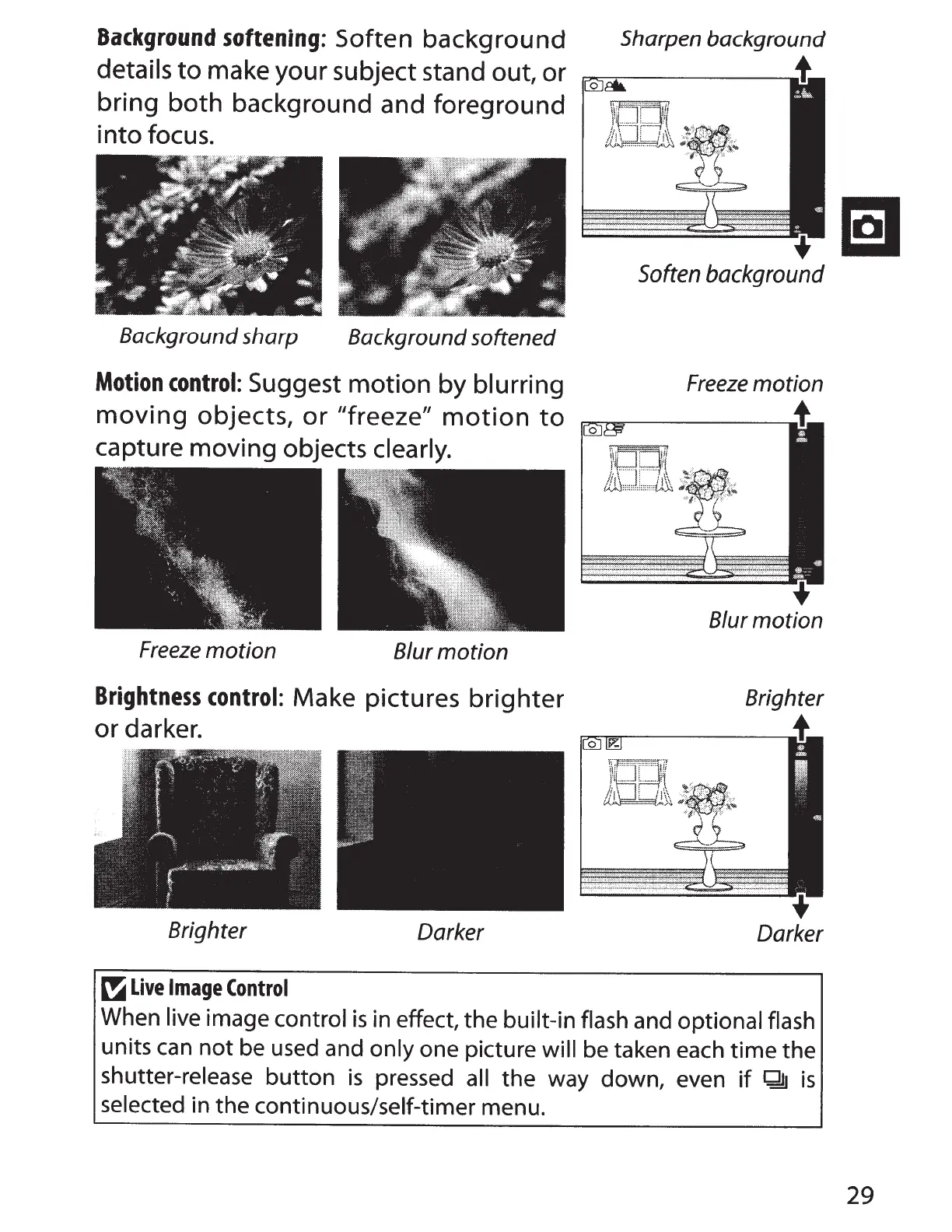
Background
softening:
Soften
background
details
to
make your subject stand out, or
bring
both
background and foreground
into
focus.
Background sharp Background softened
Motion
control:
Suggest
motion
by
blurring
moving
objects,
or
"freeze"
motion
to
capture moving objects clearly.
Freeze
motion
Blur
motion
Brightness
control:
Make pictures
brighter
or
darker.
Brighter
Darker
~
Live
Image
Control
Sharpen background
All
Soften
background
Freeze
motion
Blur
motion
Brighter
Darker
When live image
control
is
in effect, the
built-in flash
and
optional flash
units
can
not
be
used and only
one picture
will
be
taken each time the
shutter-release button
is
pressed
all
the way down, even
if
Q!J
is
selected
in the continuous/self-timer menu.
29

Table of Contents