50
II
Choosing
the
Movie
Type
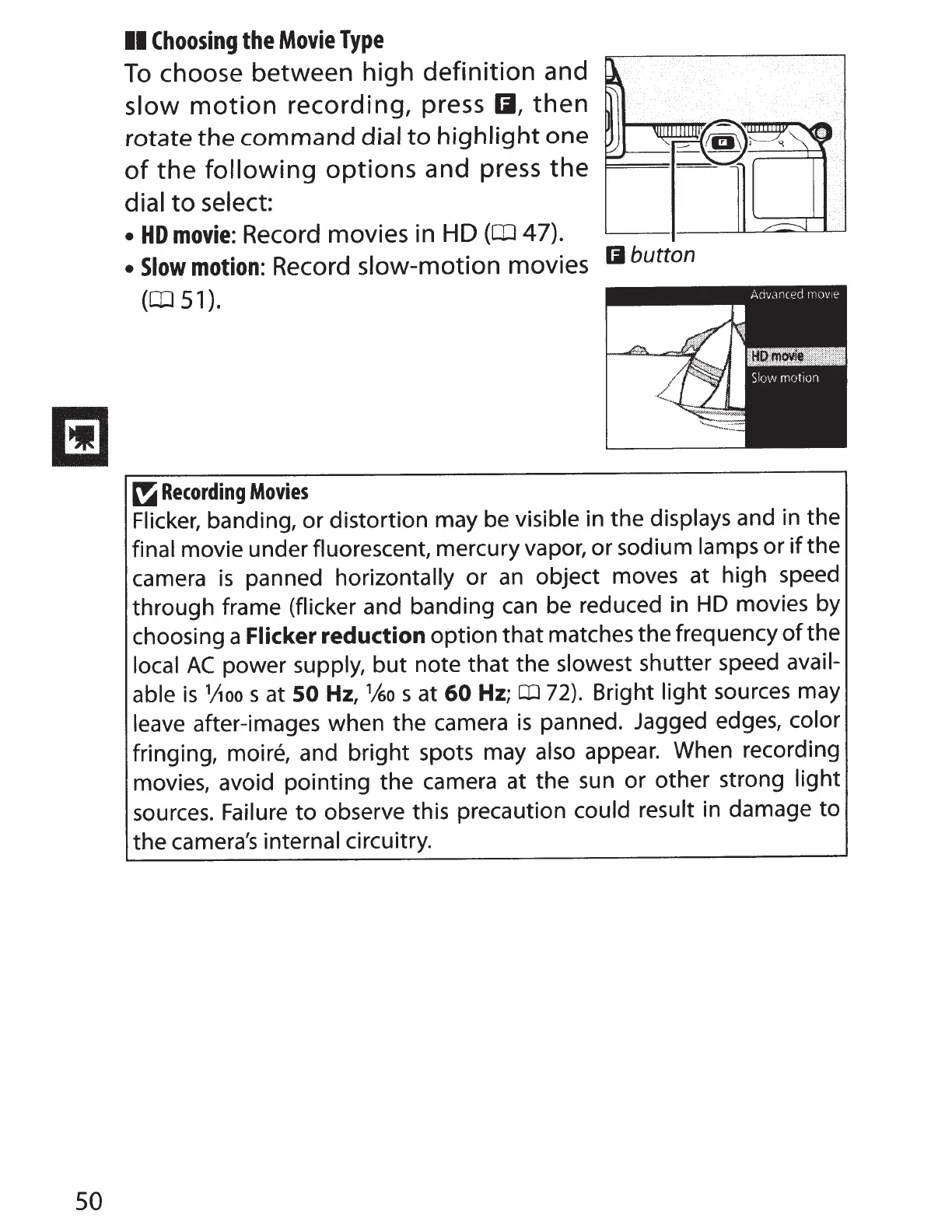
To
choose between high
definition
and
slow
motion
recording,
press
II,
then
rotate
the
command
dial
to
highlight
one
of
the
following
options
and press
the
dial
to
select:
•
HD
movie:
Record movies in
HD
(OJ
47).
•
Slow
motion:
Record
slow-motion
movies
II
button
(OJ
51).
~
Recording
Movies
Flicker, banding, or distortion may
be
visible in the displays and in the
final movie under fluorescent, mercury vapor, or sodium lamps or
if
the
camera
is
panned horizontally or
an
object moves at high speed
through frame (flicker and banding
can
be reduced in
HD
movies by
choosing a
Flicker
reduction
option that matches the frequency
of
the
local
AC
power supply,
but
note that the slowest shutter speed avail-
able
is
l)ioo
s at
SO
Hz,
1
~o
s at
60
Hz;
CD
72).
Bright light sources may
leave after-images when the camera
is
panned. Jagged edges, color
fringing, moire, and bright spots may also appear. When recording
movies, avoid pointing the camera at the
sun
or other strong light
sources. Failure
to
observe this precaution could result in damage
to
the
camera's
internal circuitry.



 To Next Page