54
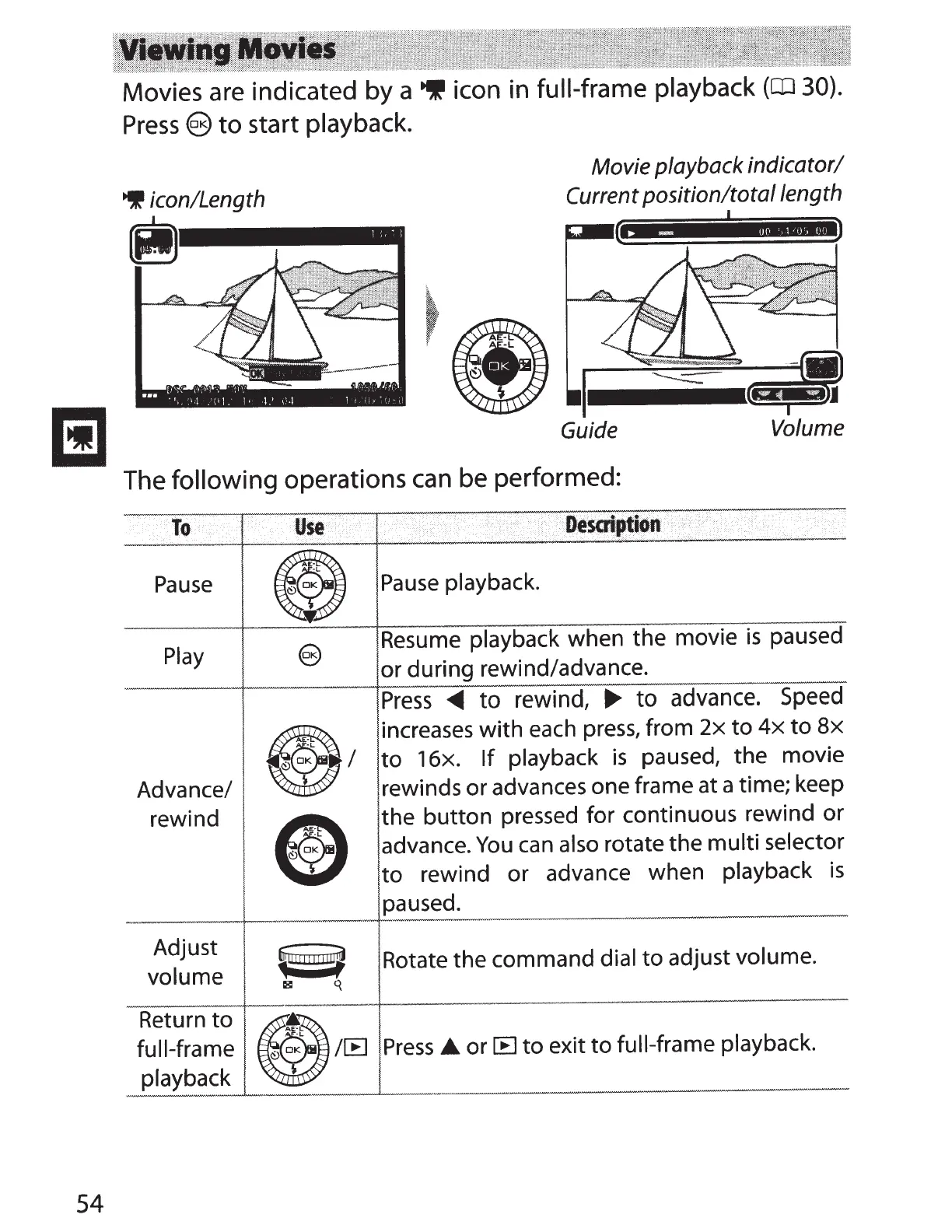
Movies are indicated by a
~
icon in full-frame
playback
(CD
30).
Press
@)
to
start playback.
~
icon/Length
Movie playback indicator/
Current
position/total length
Guide
Volume
The
following
operations
can
be performed:
to
Use
i
·
··:
DeSO'iptidn
..
·
..
.....
·
··
·
···
Pause
G
Pause
playback.
Play
@
Resume playback when the movie
is
paused
or during rewind/advance.
Press
~
to
rewind,
..,.
to
advance.
Speed
.I
increases with each
press,
from
2x
to
4x
to
Bx
to
16x.
If
playback
is
paused, the
movie
Advance/ rewinds or advances one frame at a time; keep
rewind
ED
the
button
pressed for continuous rewind or
advance.
You
can
also rotate the multi selector
to
rewind
or
advance when playback
is
paused.
Adjust
~
I
!IUTJ!
~
Rotate the command dial
to
adjust volume.
volume
l8l
q
Return
to
n
full-frame
~~
/~
Press
_.,
or~
to
exit
to
full-frame playback.
playback
~



 To Next Page