28
Scene Mode
Other Scenes
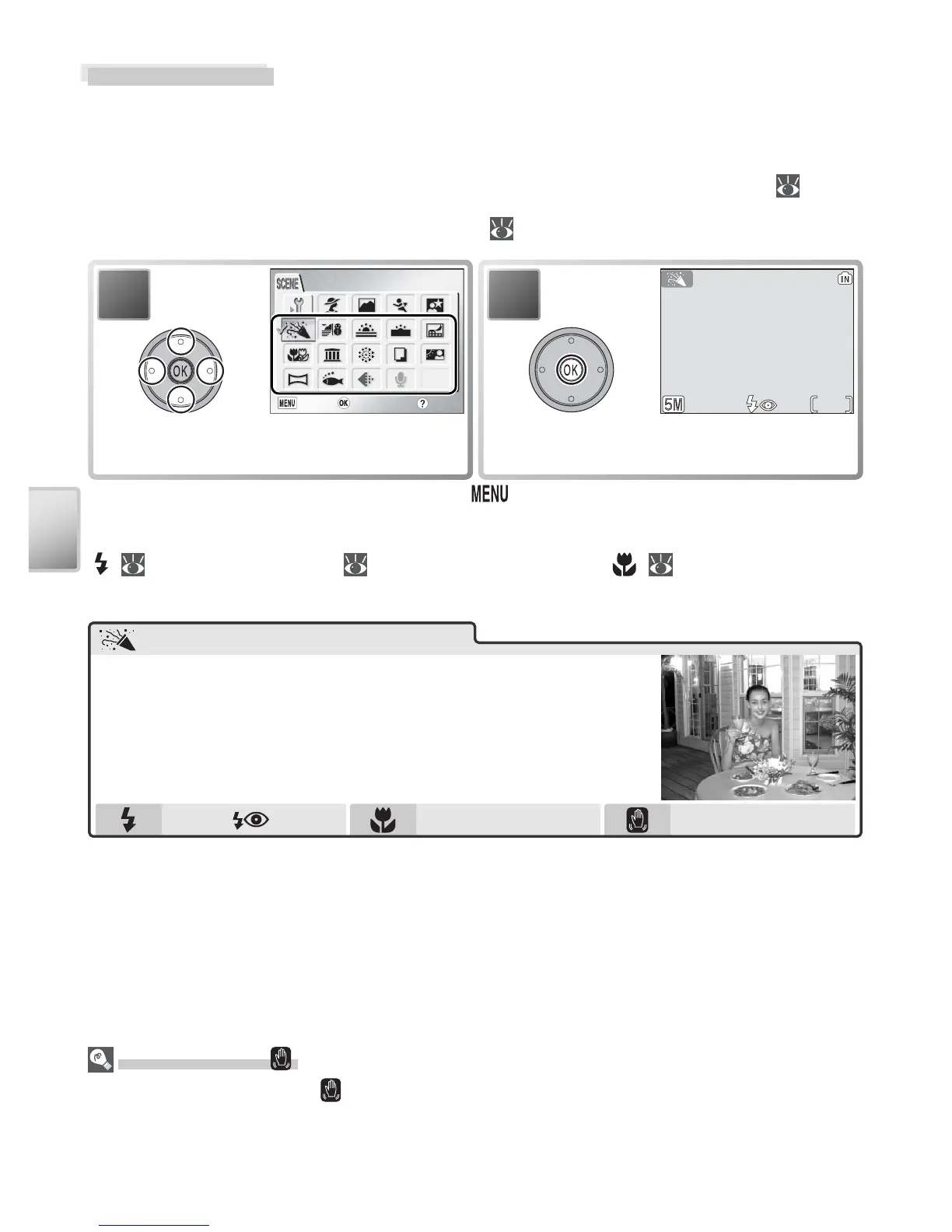
In addition to the four “assist” modes described on the preceding pages,
scene mode offers a selection of twelve “scenes,” each corresponding to a
common subject type, such as a backlit subject, sunset, or interior shot. A
voice recording mode is also available for creating audio recordings ( 33).
To select a scene from the scene menu ( 22):
* To exit without changing selection, press button.
Depending on the scene selected, restrictions may apply to fl ash mode
( ; 18), the self-timer ( 20), or macro close-up ( ; 21). These restric-
tions are noted on the pages that follow.
2
10
Help
Highlight scene.
Camera Shake ( )
At slow shutter speeds, a icon appears in the monitor to warn that pictures may be
blurred. The following indicate the precautions that can be taken to avoid blur:
Hold camera steady: Hold camera in both hands and brace elbows against body
Use tripod: Use tripod or rest camera on fl at, level surface
Off
*
Hold camera steady
Party/Indoor
Use for shots that include details of the background, or
to capture the effects of candlelight and other indoor
background lighting.
* Other modes can be selected.



 To Next Page
 Loading...










