111
Picture Editing
Editing Pictures
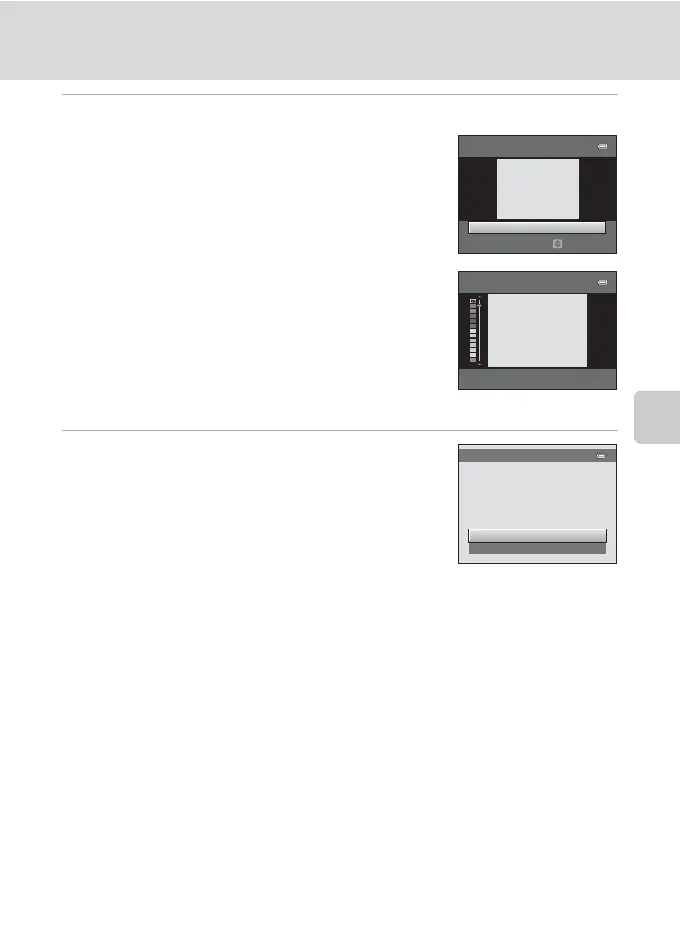
4 Adjust the effects.
Soft: Press H or I to select the size of the area to soften,
and press the k button.
Selective color: Press H or I to move the slider, select
the color to keep, and press the k button.
Press J to return to the Filter effects selection screen without making any changes.
5 Check the results, select Save, and press the
k button.
A new, edited copy is created.
To exit without saving the copy, select Cancel and press
the k button.
Copies created using the filter effects function can be
recognized by the c icon displayed in playback mode.
D More Information
See “Image/Sound File and Folder Names” (A 161) for more information.
Soft
Wide
Extent
Selective color
Preview
Save
Cancel



 To Next Page
 Loading...










