135
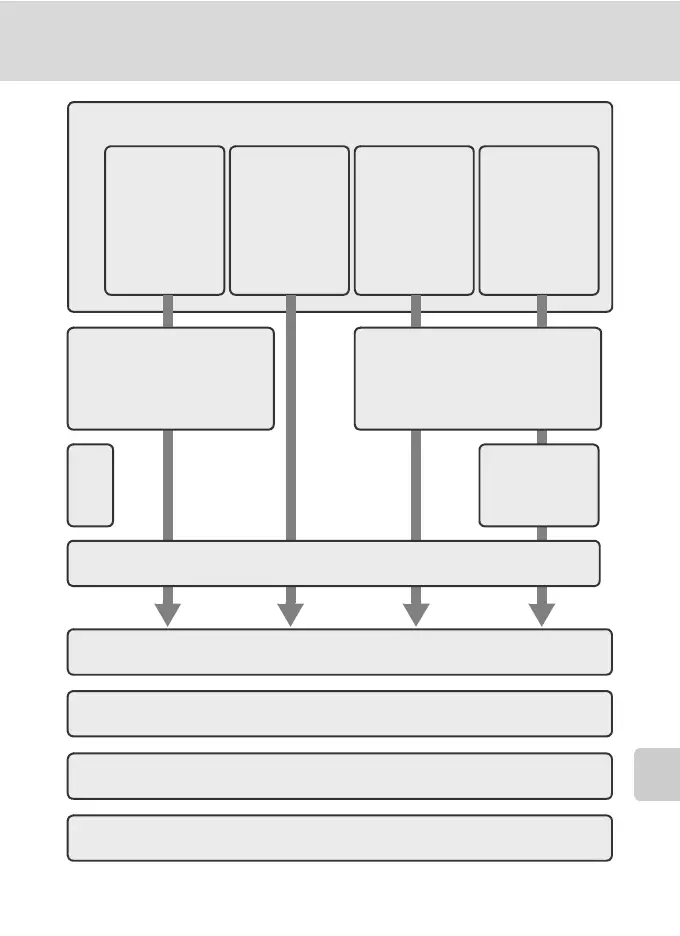
For Connection via Home Wireless LAN
Wireless Transfer Mode
12Configure wireless printing.
9 Configure wireless
LAN settings
between the cam-
era and computer.
11Set profile name and icon.
13Configure COOLPIX CONNECT.
14Configuration completed.
15Disconnect the computer and camera.
Configure
TCP/IP.
Configure wireless LAN set-
tings between the camera
and computer.
8 Choose the connection method.
Create an Infra-
structure
(Access Point)
network profile
Create an Ad-
hoc (Camera to
Computer) net-
work profile
Create Infra-
structure (Access
Point) and Ad-
hoc (Camera to
Computer) net-
work profiles
Create Profile
manually:
•
Fixed IP addressing
•
Operating sys-
tem other than
Windows
•
Windows XP SP1
•Macintosh
10



 To Next Page