52
More on Playback
More on Playback
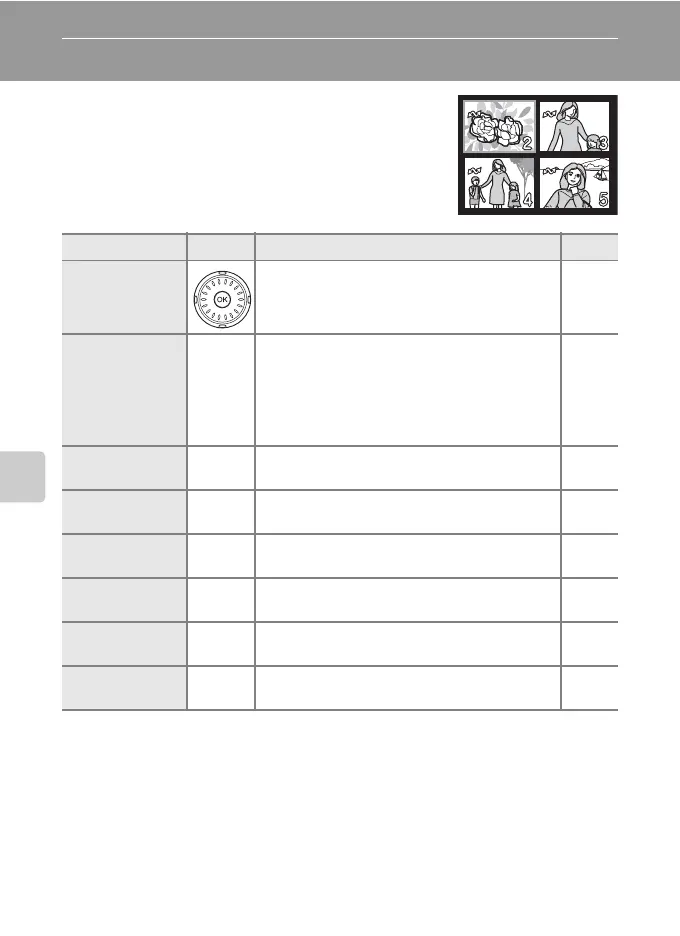
Viewing Multiple Pictures: Thumbnail Playback
Press the zoom control to t (j) in full-frame
playback (c 30) to display pictures in “contact
sheets” of thumbnail images. The following opera-
tions can be performed while thumbnails are dis-
played:
To Press Description c
Choose pictures
Use the rotary multi selector to choose pic-
tures.
12
Change number
of pictures dis-
played
x
Display 4, 9, 16 or 25 picture thumbnails in
the following order, when the zoom control is
pressed to t (j): 4→9→16→25
When the zoom control is pressed to v (k),
the number of picture thumbnails changes
reversely.
–
Cancel thumb-
nail playback
d
Cancel thumbnail playback and return to full-
screen playback.
30
D-Lighting
i(m)
Enhance brightness and contrast in dark por-
tions of pictures.
56
Delete picture
T
Confirmation dialog will be displayed. Choose
[Yes] and press d to delete.
30
View playback
menu
m
Display the playback menu. 108
View playback
mode menu
D
Display the playback mode-selection menu. 10
Switch to shoot-
ing mode
o
Switch to the shooting mode selected last
time.
30



 To Next Page