Chapter 2 How to Use the Parts
15
2.4.6 Assigning a Function to the Fn Button
Select a function to be assigned to the Fn button.
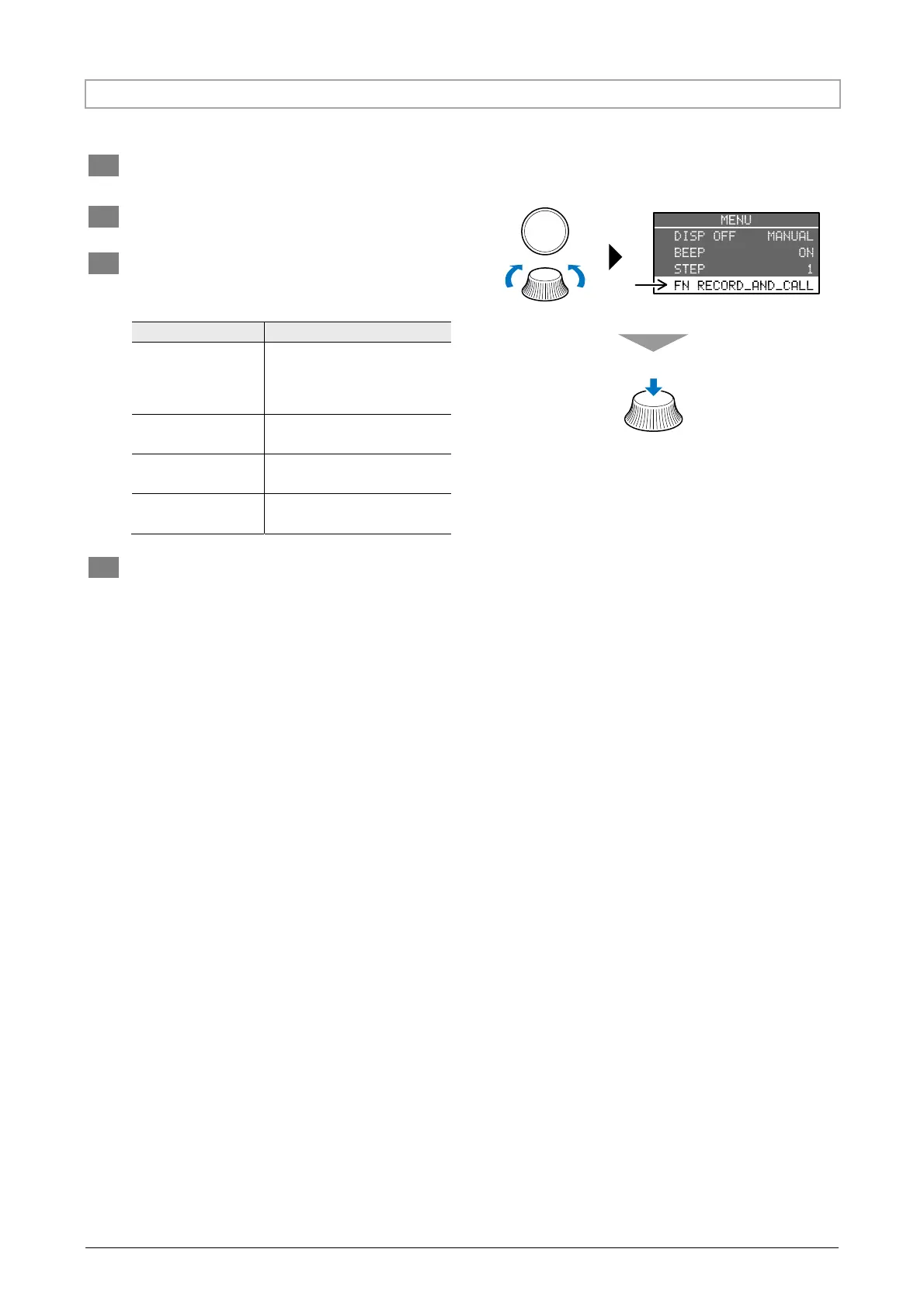
1 Press the MENU button to view the MENU
screen.
2 Press the SELECT button (or turn the
illumination control dial) and select FN.
3 Press the illumination control dial to select
the desired function.
Selecting a function for the Fn button
Display Function
RECORD_AND_CALL_
THE_INTENSITY-VALUE
Saving and restoring the
illumination status
(Press and hold to save,
momentarily press to restore)
TURN_ON_AND_
OFF_THE_LED
Turning LEDs on or off
TURN_ON_AND_
OFF_ALL_LEDS
Turning all the LEDs on or off
ENABLE_OR_DISABLE
_TRIGGER
Enabling or disabling the
external trigger
SELECT
4 Press the MENU button to return to the
illumination control screen.
Select an item.
Select a function to be
assigned to the Fn button.



 To Next Page