7
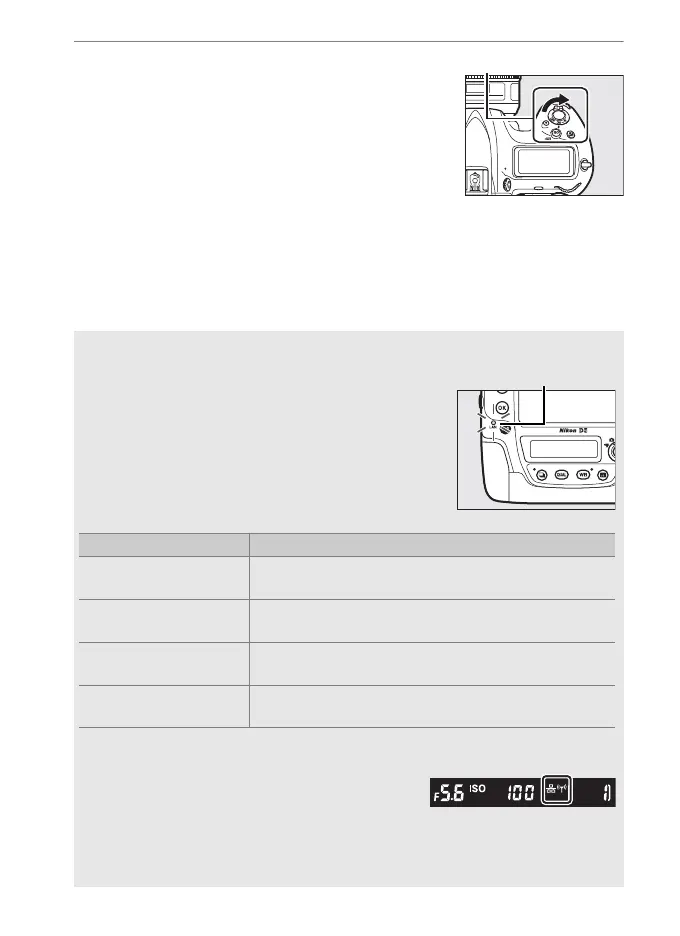
3 Turn the camera on.
Rotate the power switch to turn the
camera on.
A Connection Status
Connection status is shown by the network
indicator.
A The Viewfinder Display
Connection status is also shown in the
camera viewfinder. T is displayed when the
camera is connected via Ethernet, U when it
is connected to a wireless network, and a
flashing when an error has occurred.
Network indicator Status
●
(off)
Network functions disabled (055) or Ethernet
cable not connected.
K
(green)
Waiting to connect.
H
(flashes green)
Connected.
H
(flashes amber)
Error.



 To Next Page