76
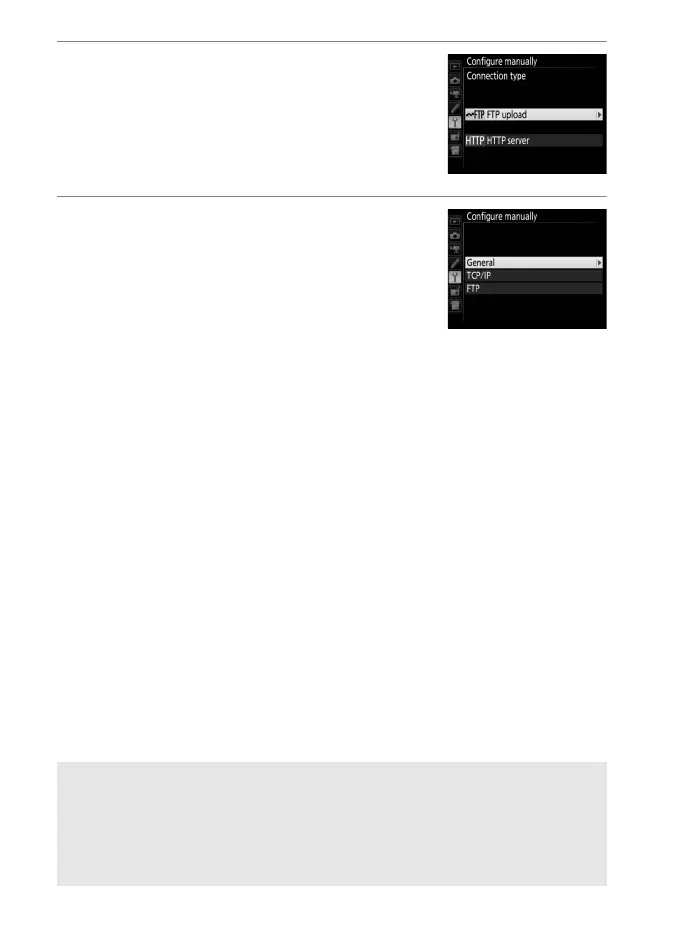
4 Select a connection type.
Highlight FTP upload or HTTP server
and press 2.
5 Adjust settings.
Adjust settings as described in “Editing
Network Profiles” (058).
D Editing Profiles
If the shutter-release button is pressed while menus are displayed, the
monitor will turn off and any changes to the current profile will be lost.
Choose a longer monitor off delay for Custom Setting c4 in the camera
menus.



 To Next Page