53
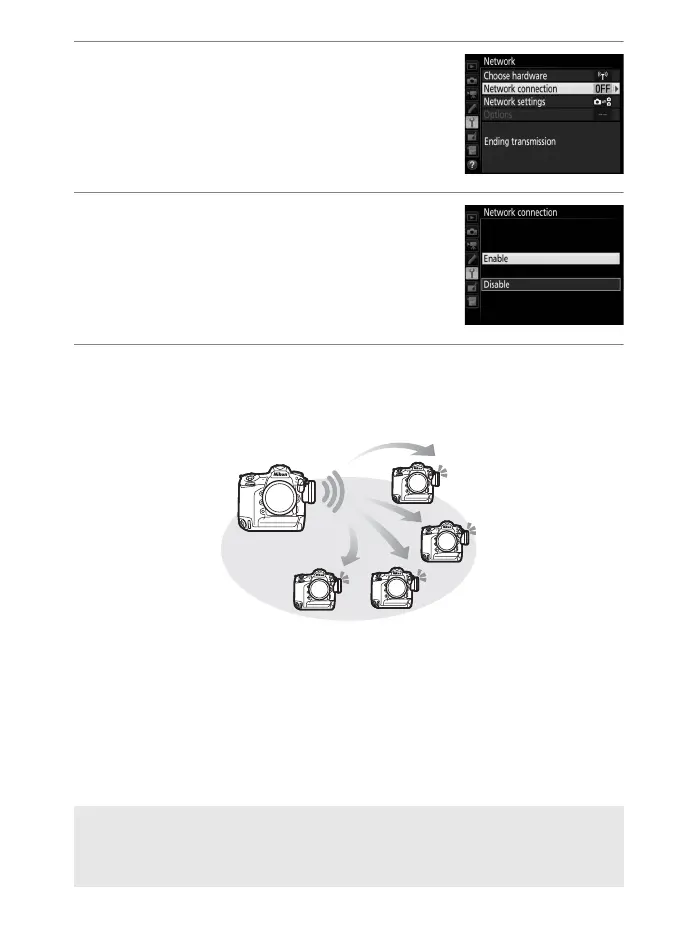
3 Select Network connection.
Highlight Network connection and
press 2.
4 Select Enable.
Highlight Enable and press J to
connect to the network and return to
the network menu.
5 Take pictures.
Pressing the shutter-release button on the master camera
releases the shutters on the remote cameras.
A Remote Camera Check
If remote camera check (051) is on, warnings will be displayed if any of
the remote cameras are not ready.



 To Next Page