60
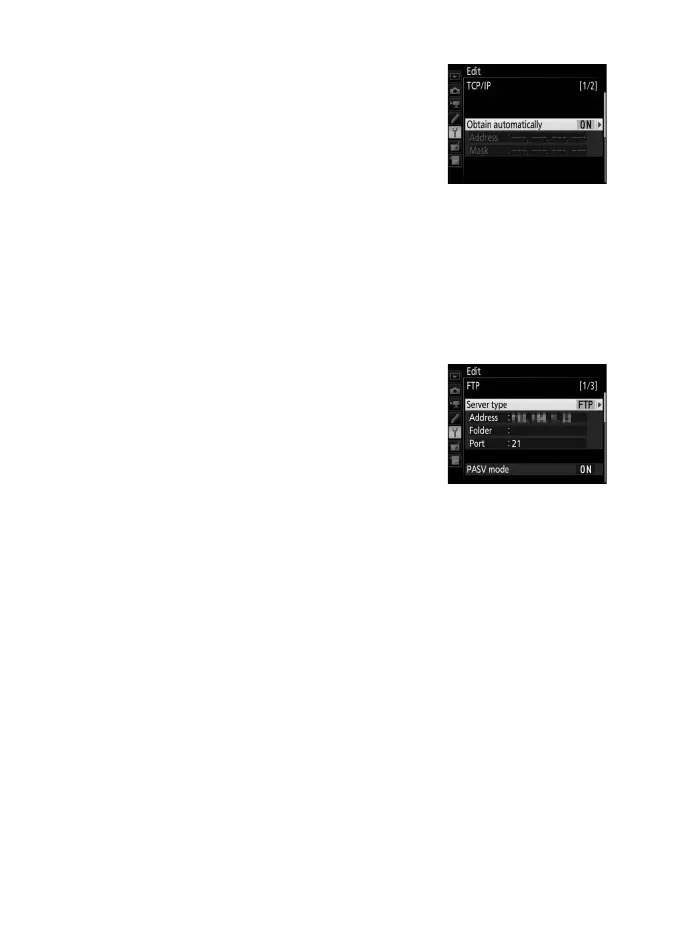
TCP/IP
If the network is configured to supply IP
addresses automatically, select Enable for
Obtain automatically. Otherwise select
Disable and enter the following information:
• Address/Mask: Enter an IP address and subnet
mask.
• Gateway: If the network requires a gateway address, select Enable
and enter the address supplied by the network administrator.
• Domain Name Server (DNS): If a Domain Name Server exists on the
network, select Enable and enter the address supplied by the
network administrator.
FTP
Edit the following ftp settings:
• Server type: Choose ftp or sftp and enter the
URL or IP address (required), destination
folder, and port number.
• PASV mode: Select Enable to enable PASV
mode.
• Anonymous login: Select Enable for anonymous login, or select
Disable to supply a User ID and Password.
• Proxy server: If a proxy server is required for ftp, select Enable and
enter the address and port number for the proxy server.



 To Next Page