96
Custom SettingsSetup
Option Description
Matrix
(default)
Camera meters wide area of frame and instantly sets exposure
based on composition, distance, shading, and color. Produces
natural-looking results in almost any situation.
Center-
weighted
Camera meters entire frame but assigns greatest weight to center.
Classic meter for portraits.
Spot
Camera meters active focus area only (if Closest Subjct is selected
for AF-Area Mode, camera meters center focus area). Ensures that
main subject will be correctly exposed, even when background is
much brighter or darker.
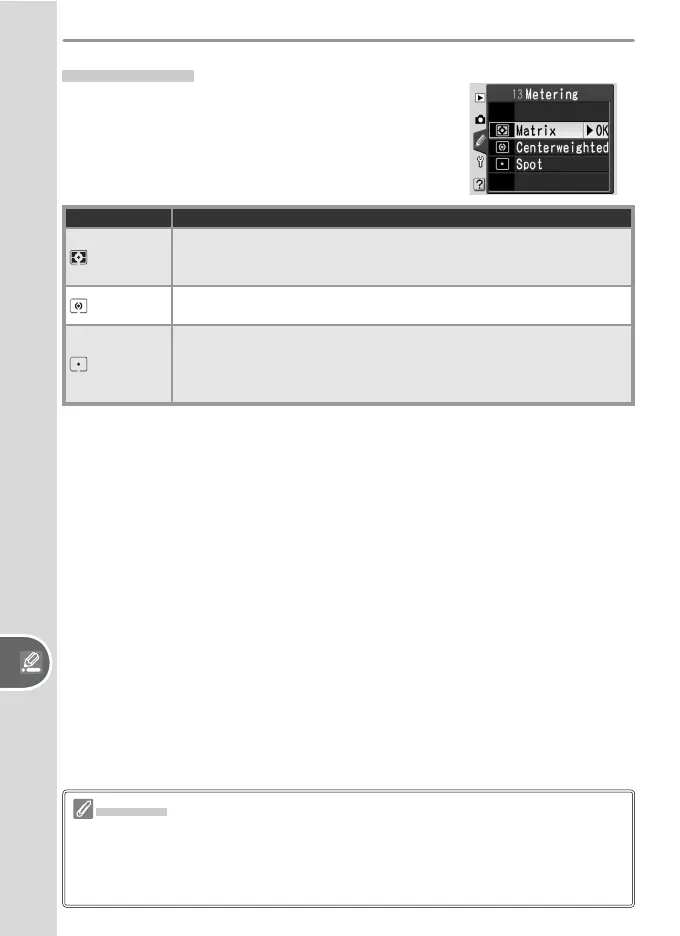
13: Metering
In P, S, A, and M modes, metering determines
how the camera sets exposure.
Metering
Metering is available with CPU lenses only. If a type G and D lens is used when
matrix metering is selected, the camera will set exposure using the full range of
information available from its 420-segment RGB sensor (3D color matrix metering
II). Color matrix metering II is used with other CPU lenses.



 To Next Page