21“Point-and-Shoot” Modes (i and j)
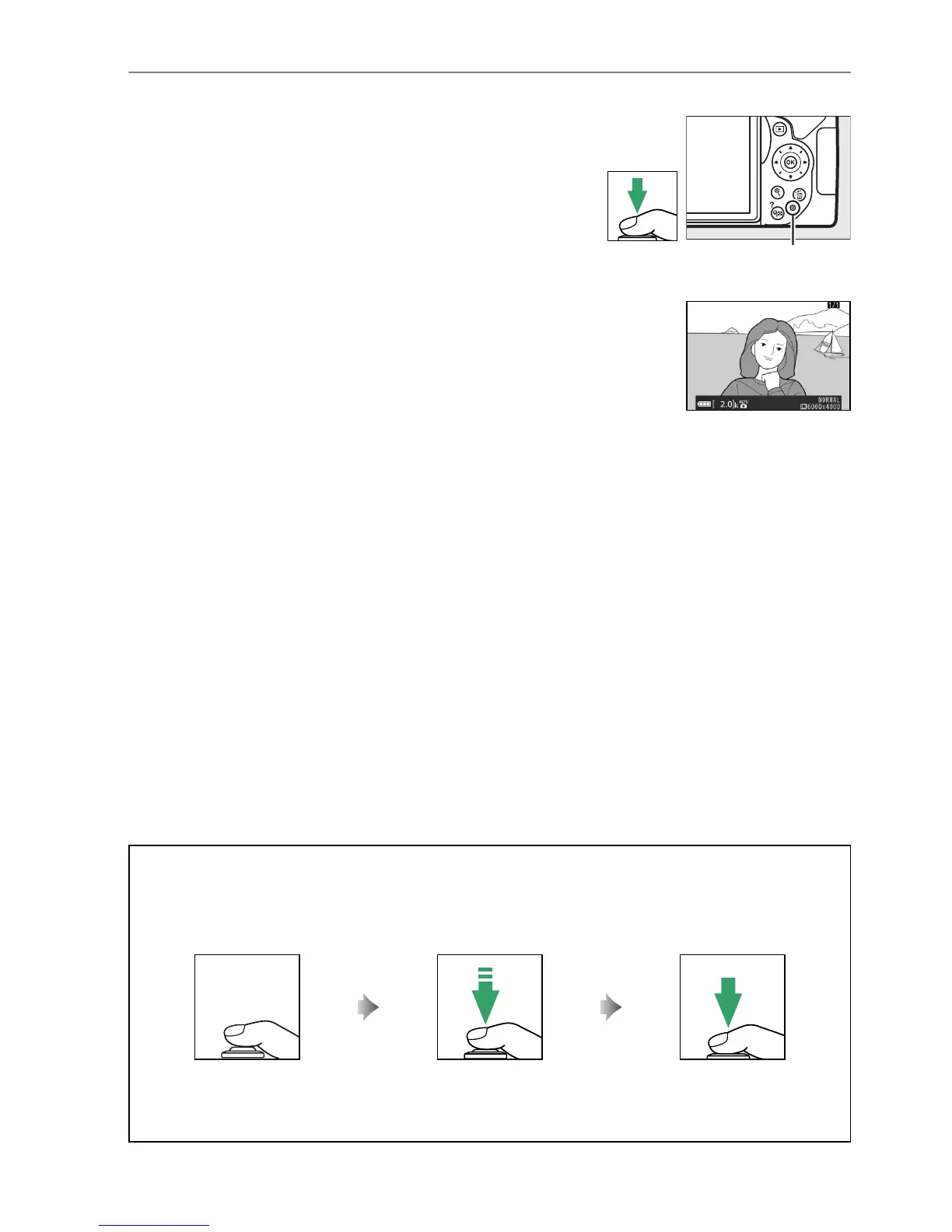
4 Shoot.
Smoothly press the shutter-release button the
rest of the way down to take the photograph.
The memory card access lamp will light and the
photograph will be displayed in the monitor for a
few seconds.
Do not eject the memory card or
remove or disconnect the power source until the
lamp has gone out and recording is complete.
A The Shutter-Release Button
The camera has a two-stage shutter-release button.
The camera focuses when the shutter-
release button is pressed halfway.
To take the photograph, press the shutter-release button
the rest of the way down.
Focus: press halfway Shoot: press all the way down
Pressing the shutter-release button halfway also ends playback and readies the camera for
immediate use.
Memory card access
lamp



 To Next Page