192 A Custom Settings: Fine-Tuning Camera Settings
Choose the flash mode for the built-in flash in P, S, A, and M modes.
Choose the setting (exposure, white balance, or Active D-Lighting) varied when
bracketing is in effect (0 108).
e: Bracketing/Flash
e1: Flash Cntrl for Built-in Flash
G button ➜ A Custom Settings menu
Option Description
1 TTL Flash output is adjusted automatically in response to shooting conditions.
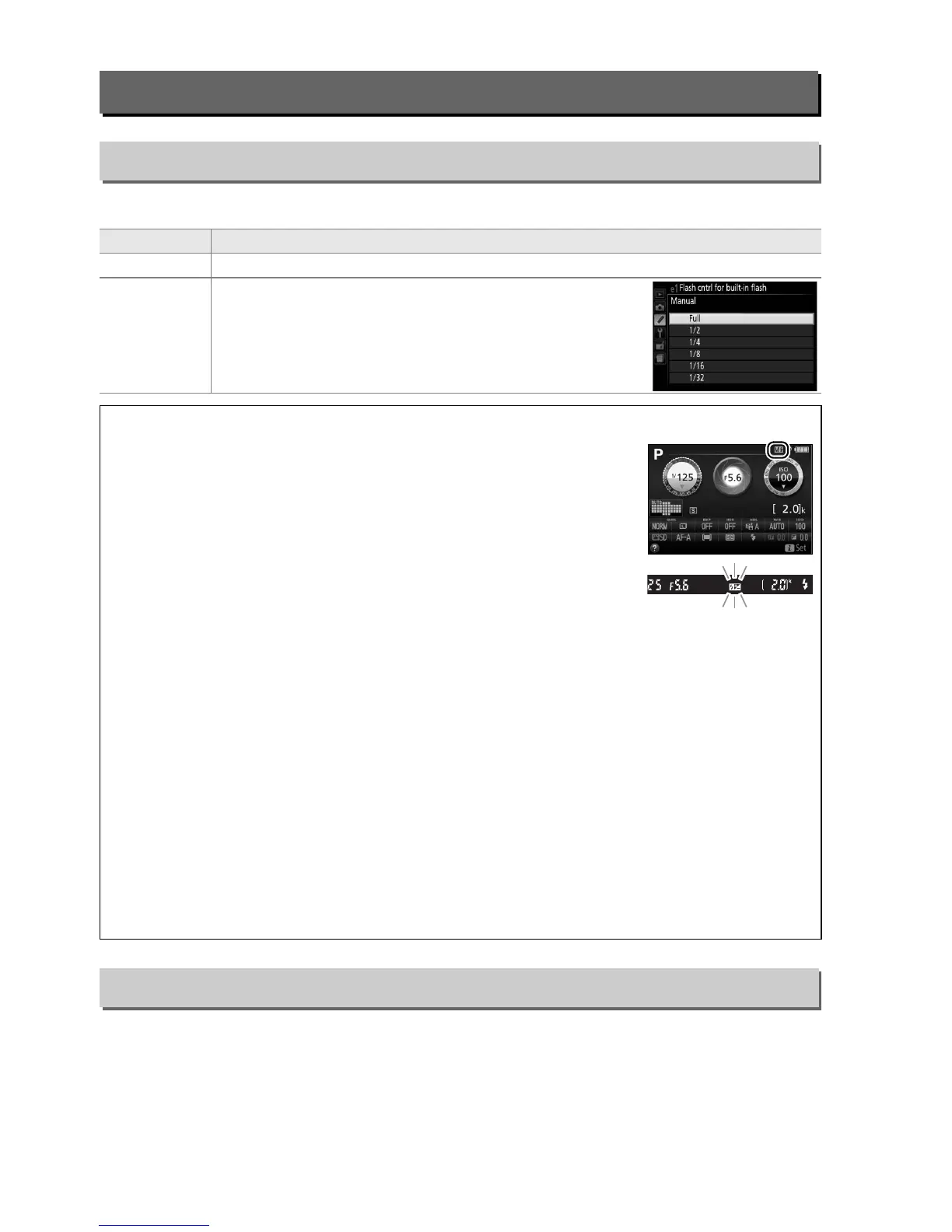
2 Manual
Choose a flash level.
At full power, the built-in flash has
a Guide Number of 13/43 (m/ft., ISO 100, 20 °C/68 °F).
A Manual
A Y icon flashes in the viewfinder and 0 flashes in the
information display when Manual is selected and the flash is raised.
A The SB-400 and SB-300
When an optional SB-400 or SB-300 flash unit is attached and turned on, Flash cntrl for
built-in flash changes to Optional flash, allowing the flash control mode for the optional
flash unit to be selected from TTL and Manual.
A TTL Flash Control
The following types of flash control are supported when a CPU lens is used in combination
with the built-in flash (0 62) or optional flash units (0 232).
• i-TTL Balanced Fill-Flash for Digital SLR: Information from the 2016-pixel RGB sensor is used to
adjust flash output for a natural balance between the main subject and the background.
• Standard i-TTL Fill-Flash for Digital SLR: Flash output is adjusted for the main subject; the
brightness of the background is not taken into account.
Standard i-TTL flash control is used with spot metering or when selected with the optional
flash unit.
i-TTL balanced fill-flash for digital SLR is used in all other cases.
e2: Auto Bracketing Set
G button ➜ A Custom Settings menu



 To Next Page