35
Special Effects
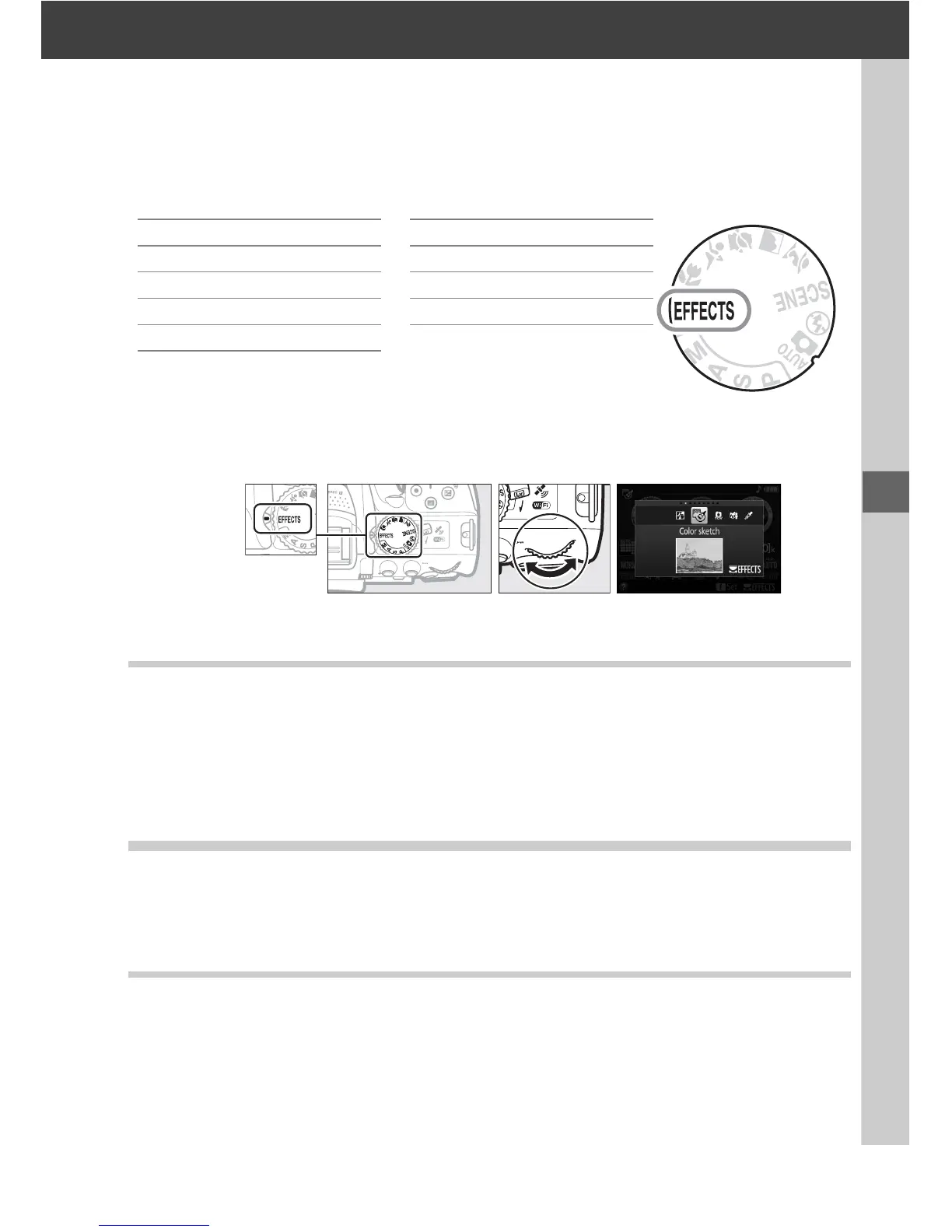
Special effects can be used when recording images.
The following effects can be selected by rotating the mode dial to q and rotating
the command dial until the desired option appears in the monitor.
% Night Vision 1 Silhouette
g Color Sketch 2 High Key
' Toy Camera Effect 3 Low Key
( Miniature Effect ) HDR Painting
3 Selective Color
Mode dial Command dial Monitor
%Night Vision
Use under conditions of darkness to record monochrome images at high ISO
sensitivities.
Note: Pictures may be affected by noise in the form of randomly-spaced bright pixels,
fog, or lines.
Autofocus is available in live view only; manual focus can be used if the
camera is unable to focus.
The built-in flash and AF-assist illuminator turn off.
gColor Sketch
The camera detects and colors outlines for a color sketch effect.
The effect can be
adjusted in live view (0 37).
Note: Movies shot in this mode play back like a slide show made up of a series of stills.
'Toy Camera Effect
Create photos and movies that appear to have been shot with a toy camera.
The
effect can be adjusted in live view (0 38).



 To Next Page