39Special Effects
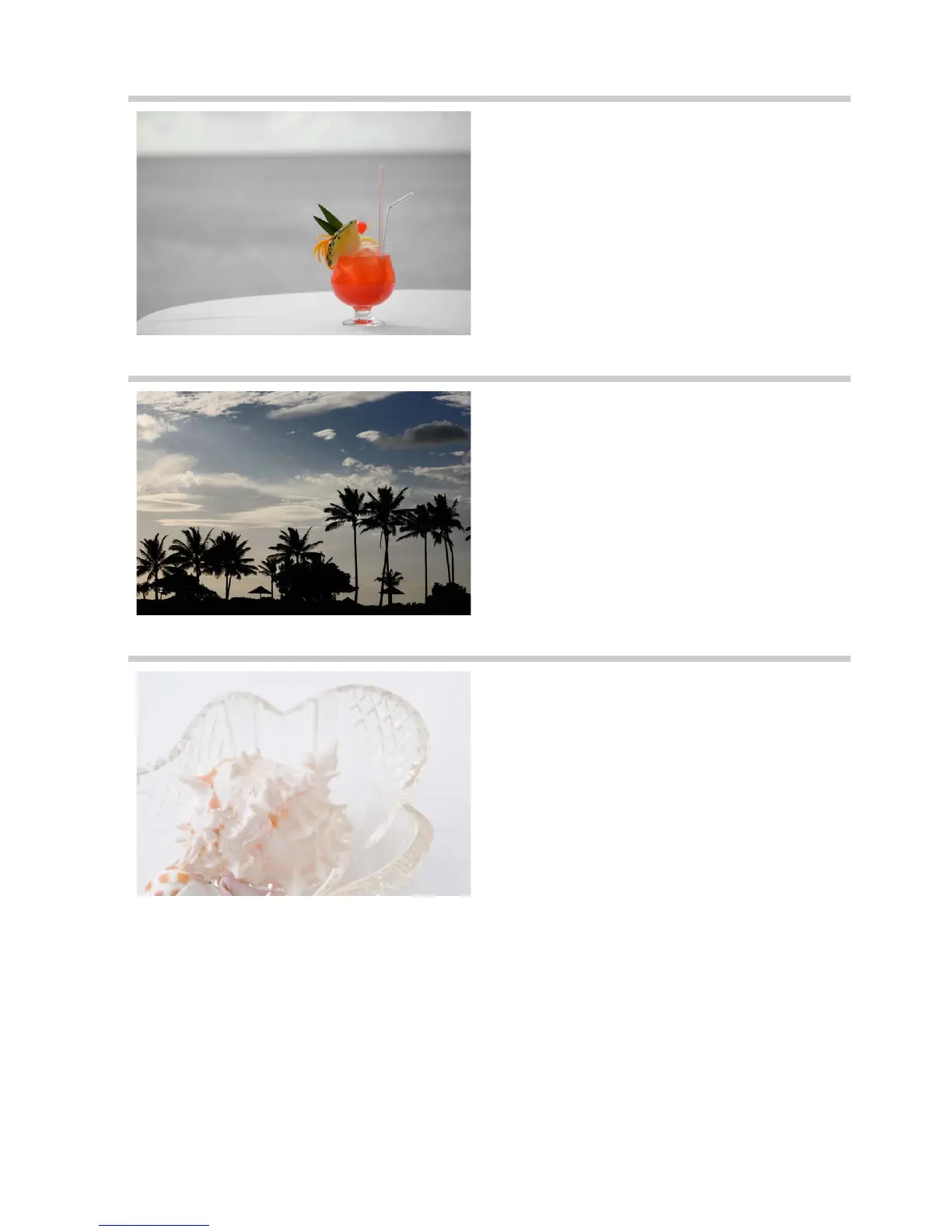
3Selective Color
All colors other than the selected colors
are recorded in black and white.
The effect
can be adjusted in live view (0 43).
A Note
The built-in flash turns off.
1Silhouette
Silhouette subjects against bright
backgrounds.
A Note
The built-in flash turns off.
2High Key
Use with bright scenes to create bright
images that seem filled with light.
A Note
The built-in flash turns off.



 To Next Page