84 P, S, A, and M Modes
Mode P (Programmed Auto)
This mode is recommended for snapshots or
whenever you want to leave the camera in charge of
shutter speed and aperture.
The camera
automatically adjusts shutter speed and aperture for
optimal exposure in most situations.
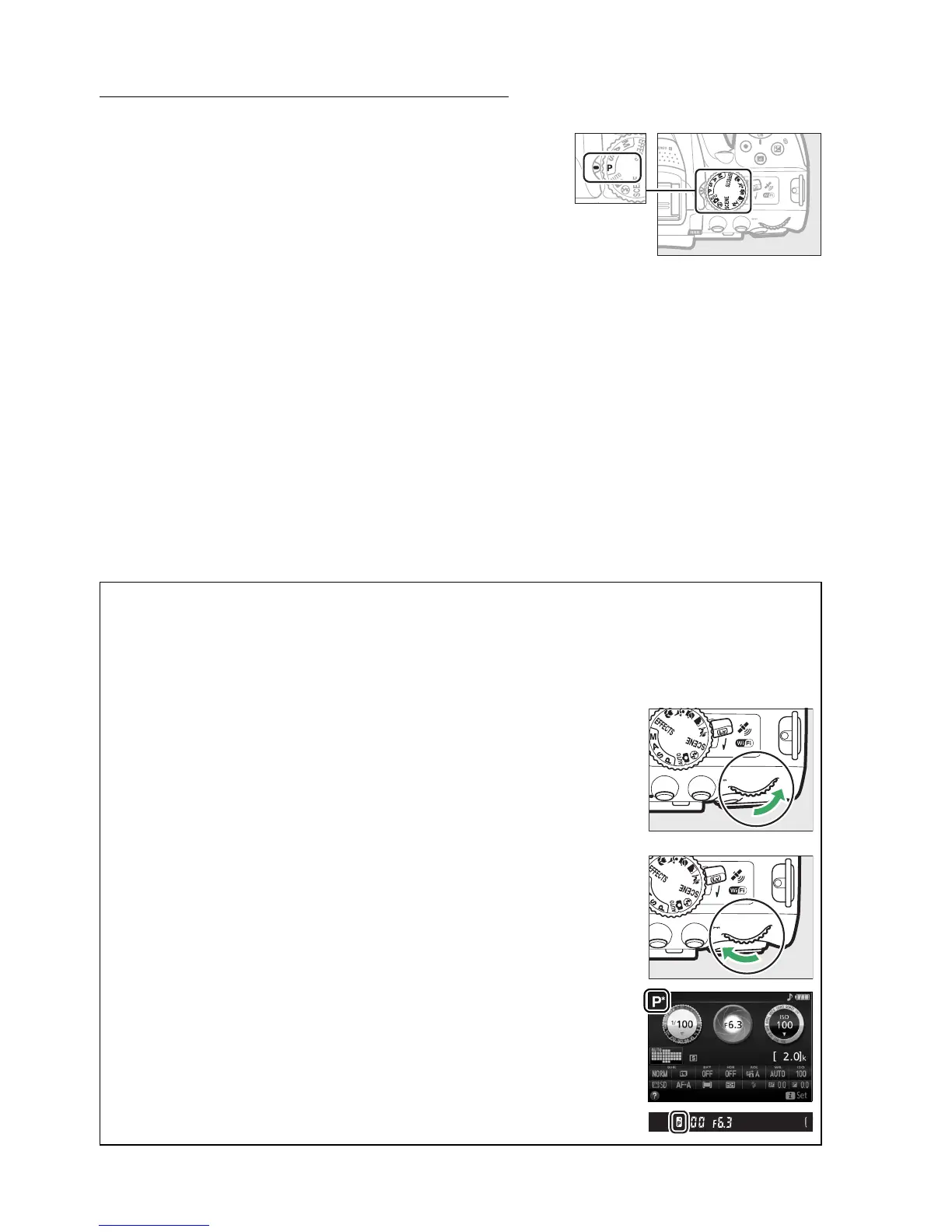
To take pictures in programmed auto mode, rotate the
mode dial to P.
A Flexible Program
In mode P, different combinations of shutter speed and aperture can be selected by rotating
the command dial (“flexible program”).
Rotate the dial right for large apertures (low f-
numbers) and fast shutter speeds, left for small apertures (high f-numbers) and slow shutter
speeds.
All combinations produce the same exposure.
Rotate right to blur background details or freeze motion.
Command dial
Rotate left to increase depth of field or blur motion.
While flexible program is in effect, a U (R) indicator appears in the
viewfinder and information display.
To restore default shutter speed
and aperture settings, rotate the command dial until the indicator is
no longer displayed, choose another mode, or turn the camera off.
Mode dial



 To Next Page