23
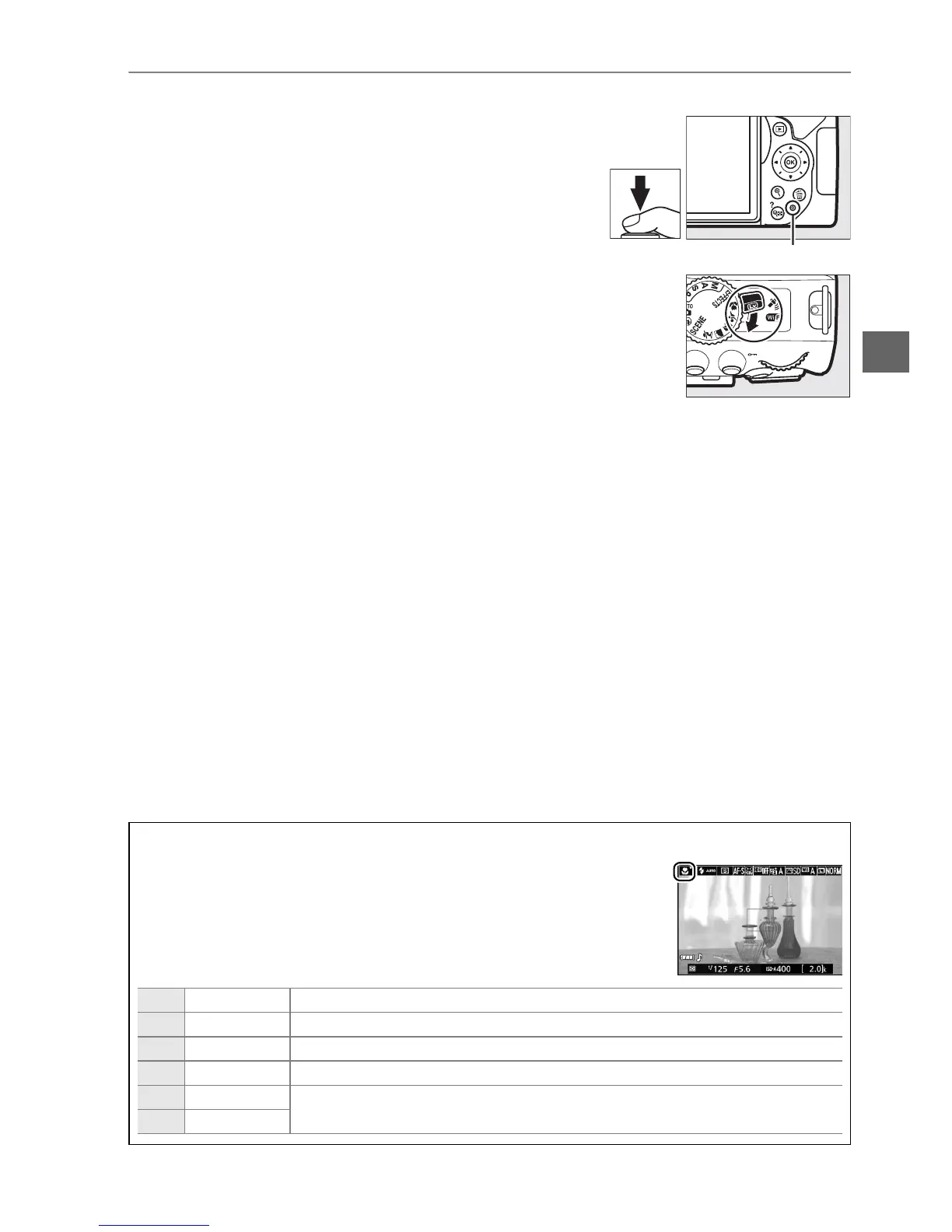
4 Take the picture.
Press the shutter-release button the rest of the
way down.
The monitor turns off and the
memory card access lamp lights during
recording.
Do not eject the memory card or remove
or disconnect the power source until the lamp has
gone out and recording is complete.
When
recording is complete, the photograph will be
displayed in the monitor for a few seconds.
Rotate the live view switch to exit live view.
A Automatic Scene Selection (Scene Auto Selector)
If live view is selected in i or j mode, the camera will automatically
analyze the subject and select the appropriate shooting mode when
autofocus is enabled.
The selected mode is shown in the monitor.
c
Portrait Human portrait subjects
d
Landscape Landscapes and cityscapes
e
Close up Subjects close to the camera
f
Night portrait Portrait subjects framed against a dark background
Z
Auto
Subjects suited to i or j mode or that do not fall into the categories
listed above
b
Auto (flash off)
Memory card access lamp



 To Next Page