72
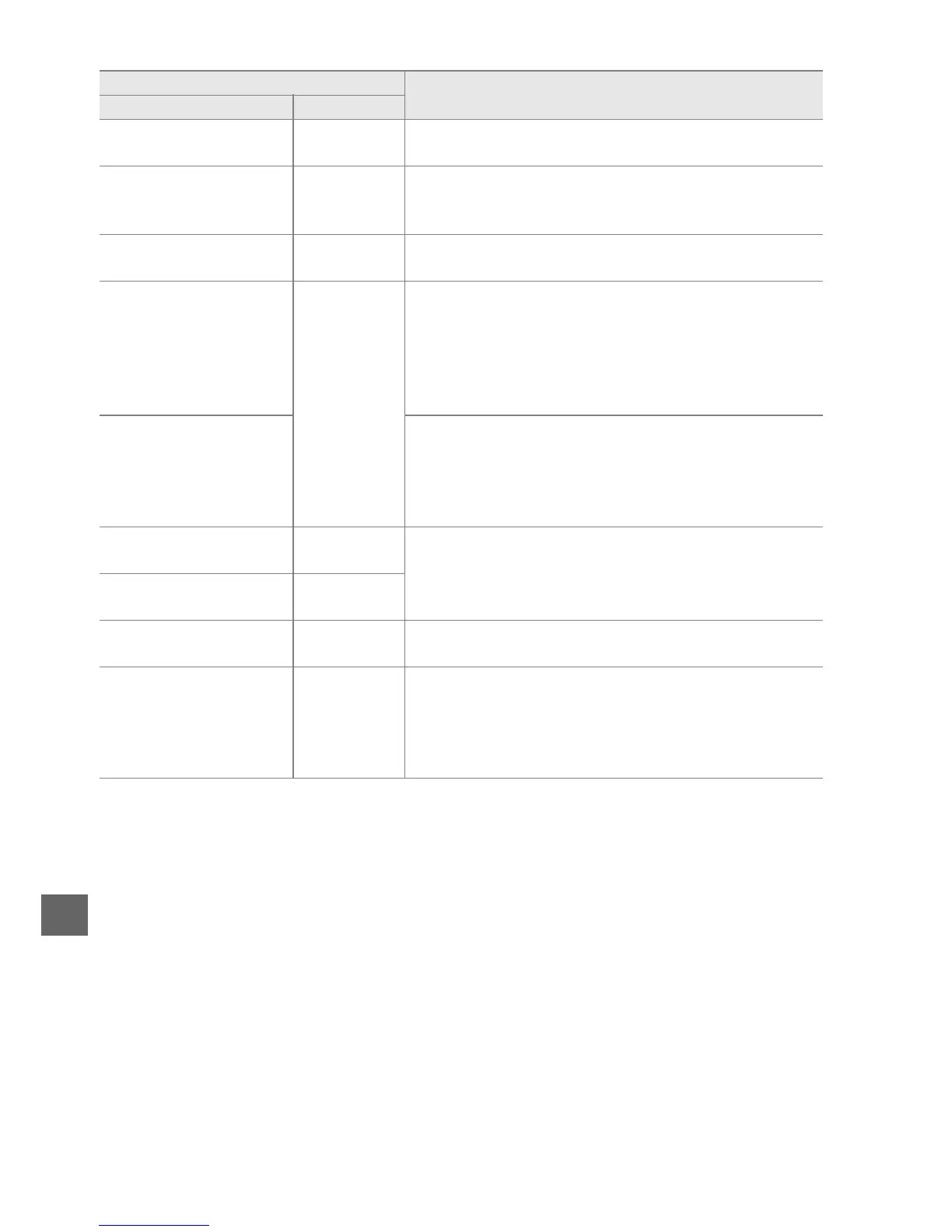
This card is not formatted.
Format the card.
T
(flashes)
Format card or turn camera off and insert new
memory card.
Card is full
j/A/s
(flashes)
• Reduce quality or size.
• Delete photographs.
• Insert new memory card.
—
●
(flashes)
Camera can not focus using autofocus.
Change
composition or focus manually.
Subject is too bright
s
(flashes)
• Use a lower ISO sensitivity.
• Use commercial ND filter.
• In mode:
S Increase shutter speed
A Choose a smaller aperture (higher f-number)
% Choose another shooting mode
Subject is too dark
• Use a higher ISO sensitivity.
• Use flash.
• In mode:
S Lower shutter speed
A Choose a larger aperture (lower f-number)
No “Bulb” in S mode
A
(flashes)
Change shutter speed or select mode M.
No “Time” in S mode
&
(flashes)
—
N
(flashes)
Flash has fired at full power.
Check photo in monitor;
if underexposed, adjust settings and try again.
—
N/s
(flashes)
• Use the flash.
• Change distance to subject, aperture, flash range,
or ISO sensitivity.
• Lens focal length is less than 18 mm: use a longer
focal length.
Indicator
SolutionMonitor Viewfinder



 To Next Page