131
t
t
Other Shooting Options
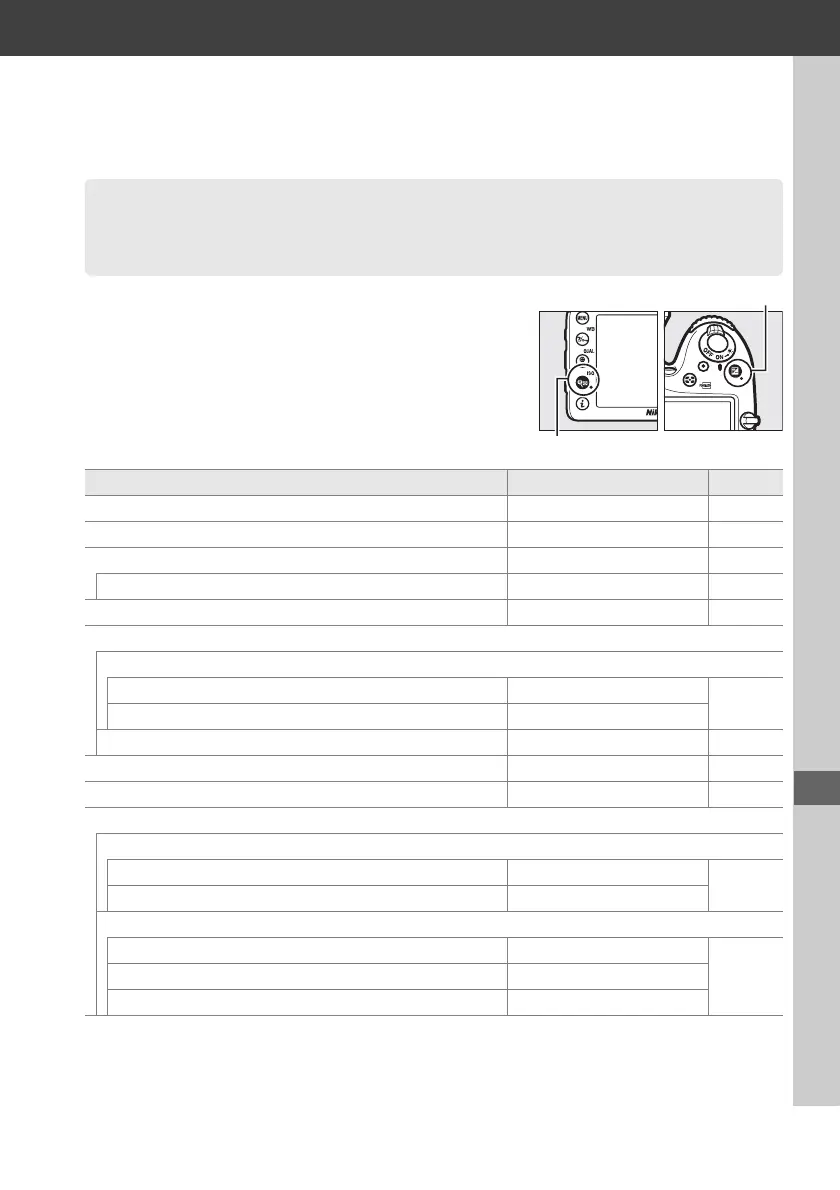
The camera settings listed below can be restored to
default values by holding the W (S) and E buttons
down together for more than two seconds (these
buttons are marked by a green dot).
The control
panel turns off briefly while settings are reset.
Two-Button Reset: Restoring Default
Settings
Option Default 0
Image quality JPEG normal 66
Image size Large 68
White balance Auto > Normal 89
Fine tuning A-B: 0, G-M: 0 91
HDR (high dynamic range) Off
1
115
ISO sensitivity settings
ISO sensitivity
P, S, A, M 100
79
Other shooting modes Auto
Auto ISO sensitivity control Off 81
Remote control mode (ML-L3) Off 127
Interval timer shooting Off
2
145
Autofocus (viewfinder)
Autofocus mode
% AF-S
71
Modes other than % AF-A
AF-area mode
n, x, 0, %, 1, 2, 3 Single-point AF
73m, w 51-point dynamic-area AF
i, j, k, l, p, o, r, s, t, u, v, y, z, g, u, P, S, A, M Auto-area AF
E button
W (S) button



 To Next Page