68
d
Image Size
Image size is measured in pixels.
Choose from # Large, $ Medium, or % Small
(note that image size varies depending on the option selected for Image area, 0 63):
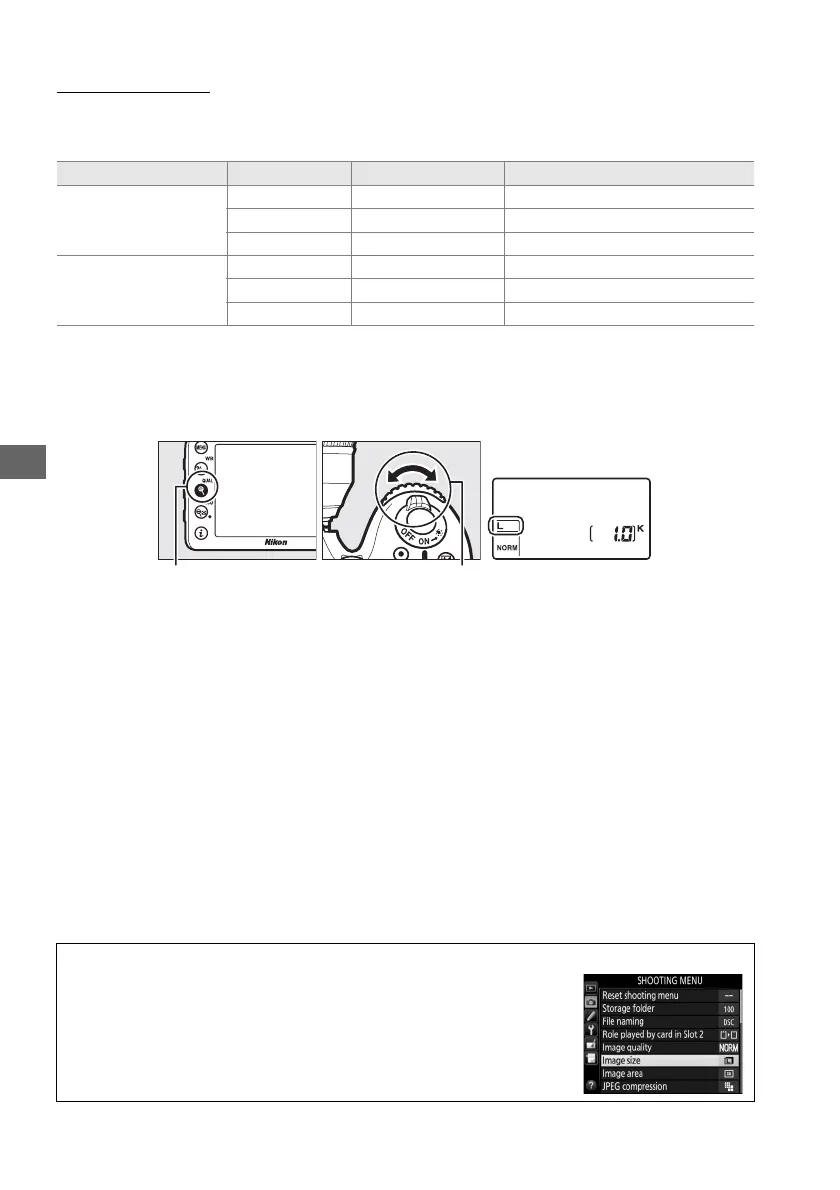
Image size can be set by pressing the X (T) button and rotating the sub-
command dial until the desired setting is displayed in the control panel.
Image area Option Size (pixels) Print size (cm/in.)
*
DX (24×16)
Large 6000 × 4000 50.8 × 33.9/20.0 × 13.3
Medium 4496 × 3000 38.1 × 25.4/15.0 × 10.0
Small 2992 × 2000 25.3 × 16.9/10.0 × 6.7
1.3× (18×12)
Large 4800 × 3200 40.6 × 27.1/16.0 × 10.7
Medium 3600 × 2400 30.5 × 20.3/12.0 × 8.0
Small 2400 × 1600 20.3 × 13.5/ 8.0 × 5.3
* Approximate size when printed at 300 dpi.
Print size in inches equals image size in pixels
divided by printer resolution in dots per inch (dpi; 1 inch=approximately 2.54 cm).
X (T) button Sub command dial Control panel
A The Shooting Menu
Image size can also be adjusted using the Image size option in the
shooting menu (0 224).



 To Next Page