251
U
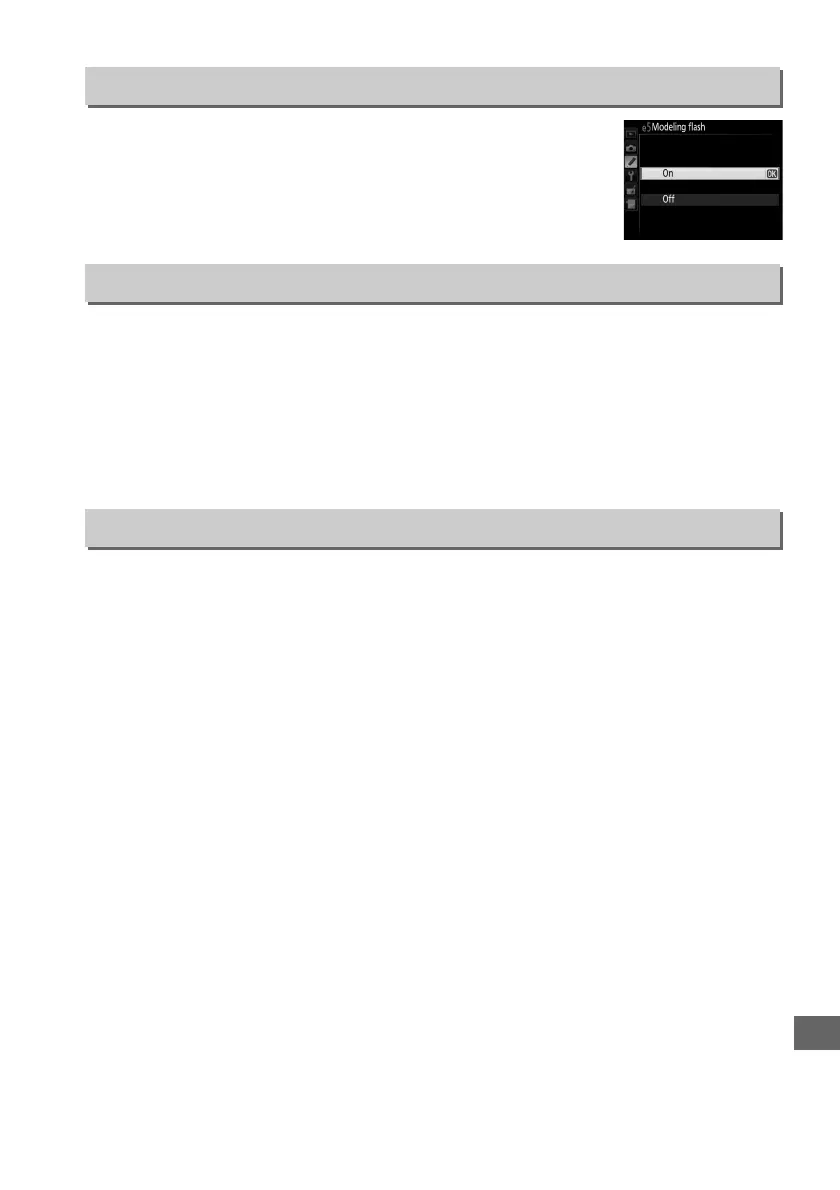
If On is selected when the camera is being used with the built-in
flash or an optional CLS-compatible flash unit (0 305), a
modeling flash will be emitted when the camera depth-of-field
preview button is pressed (0 50).
No modeling flash is emitted
if Off is selected.
Choose the setting or settings bracketed when auto bracketing (0 133) is in effect.
Choose AE & flash (j) to perform both exposure and flash-level bracketing, AE only
(k) to bracket only exposure, Flash only (l) to perform only flash-level bracketing,
WB bracketing (m) to perform white-balance bracketing (0 137), or ADL
bracketing (y) to perform bracketing using Active D-Lighting (0 139).
Note that
white balance bracketing is not available at image quality settings of NEF (RAW) or
NEF (RAW) + JPEG.
At the default setting of MTR > under > over (H), exposure, flash, and white balance
bracketing are performed in the order described on pages 133 and 137.
If
Under > MTR > over (I) is selected, shooting will proceed in order from the
lowest to the highest value.
This setting has no effect on ADL bracketing.
e5: Modeling Flash
G button ➜ A Custom Settings menu
e6: Auto Bracketing Set
G button ➜ A Custom Settings menu
e7: Bracketing Order
G button ➜ A Custom Settings menu



 To Next Page