255
U
❚❚ Press + Command Dials
Selecting Press + command dials displays the following options:
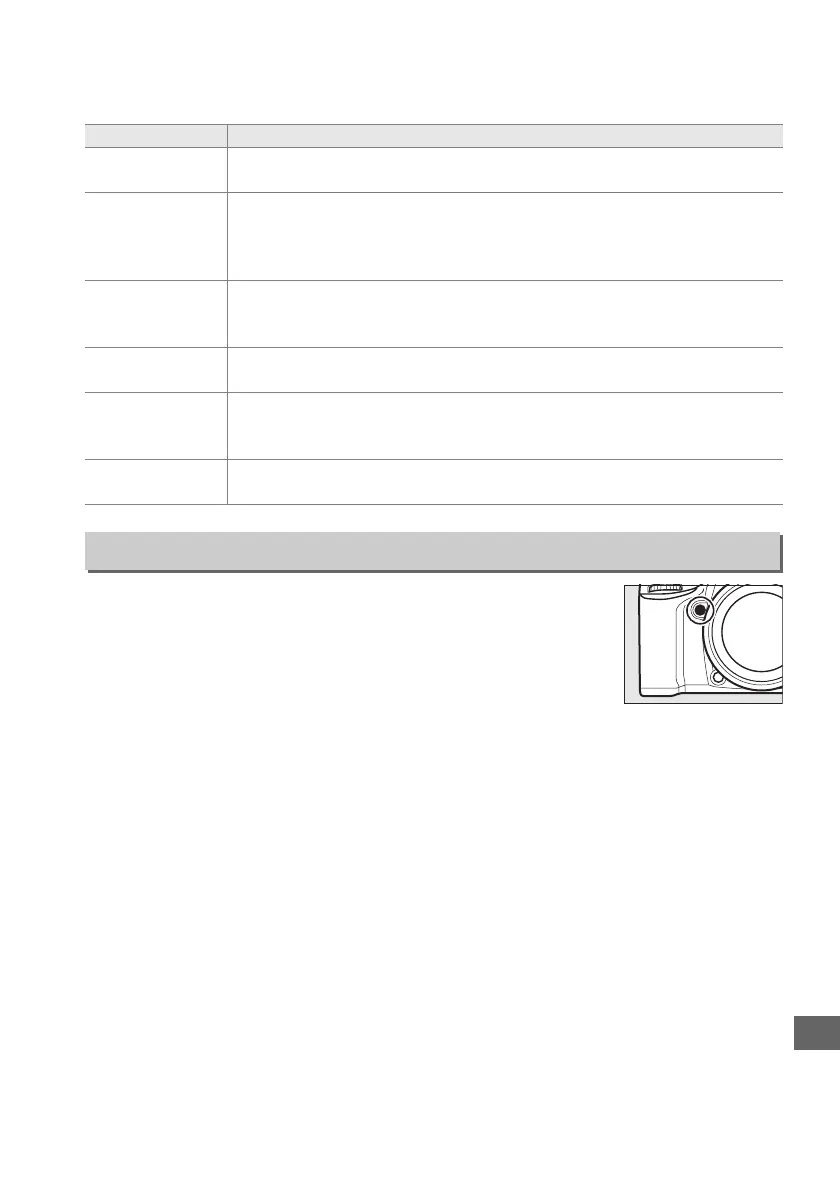
Choose the role played by the depth-of-field preview button,
either by itself (Press) or when used in combination with the
command dials (Press + command dials).
The options
available are the same as for Assign Fn button (0 253).
The
default options for Press and Press + command dials are
Preview and None, respectively.
Option Description
5
Choose
image area
Press the Fn button and rotate a command dial to choose an image area
(0 63).
v
1 step spd/
aperture
If the Fn button is pressed when the command dials are rotated, changes
to shutter speed (modes S and M) and aperture (modes A and M) are made
in increments of 1 EV, regardless of the option selected for Custom Setting
b2 (EV steps for exposure cntrl, 0 234).
w
Choose non-
CPU lens
number
Press the Fn button and rotate a command dial to choose a lens number
specified using the Non-CPU lens data option (0 149).
y
Active
D-Lighting
Press the Fn button and rotate a command dial to adjust Active D-Lighting
(0 113).
z
HDR (high
dynamic
range)
Keeping the Fn button pressed, rotate the main command dial to choose
an HDR mode, the sub-command dial to choose HDR strength (0 116).
None
No operation is performed when the command dials are rotated while the
Fn button is pressed.
f3: Assign Preview Button
G button ➜ A Custom Settings menu



 To Next Page