135
t
4 Frame a photograph, focus, and shoot.
The camera will vary exposure and/or flash level shot-by-
shot according to the bracketing program selected.
Modifications to exposure are added to those made with
exposure compensation (0 86), making it possible to achieve exposure
compensation values of more than 5 EV.
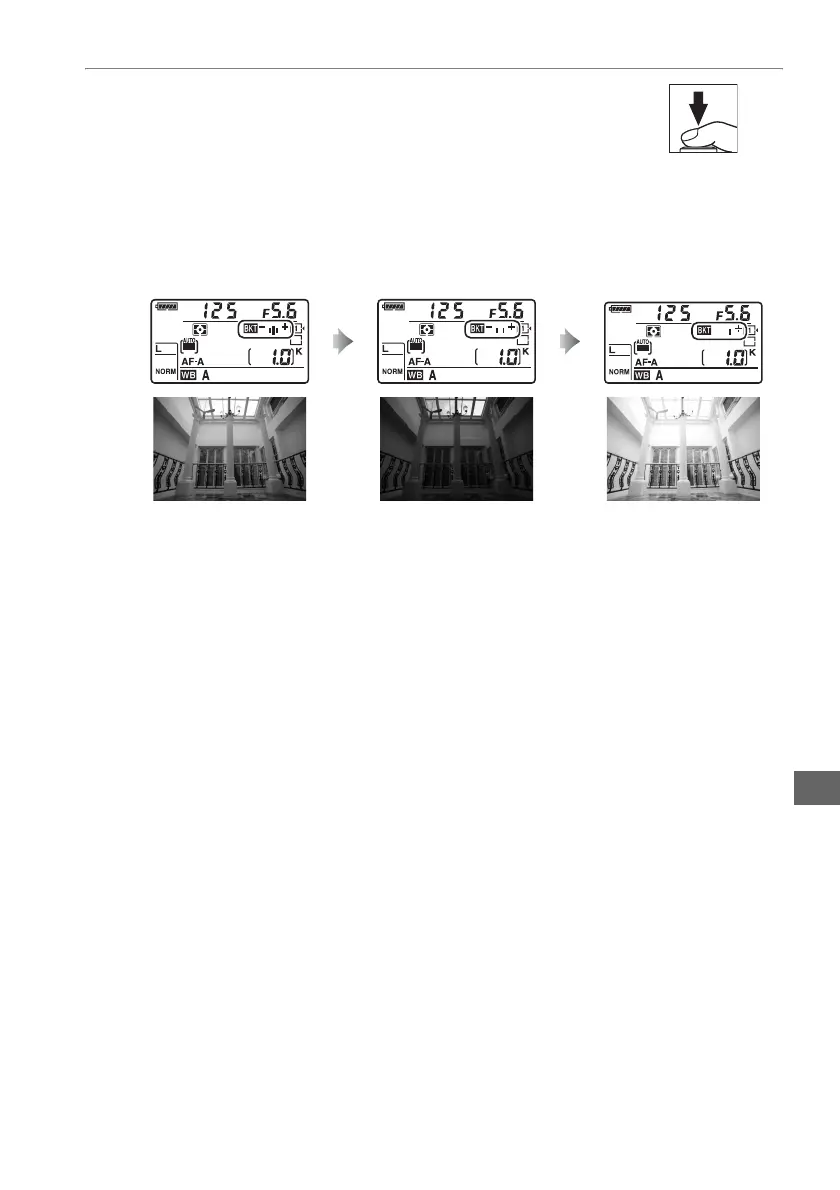
While bracketing is in effect, a bracketing progress indicator will be displayed in
the control panel.
A segment will disappear from the indicator after each shot.
To cancel bracketing, press the D button and rotate the main command dial until
the bracketing progress indicator and M icon are no longer displayed.
Exposure modified by:
0 EV
Exposure modified by:
–1 EV
Exposure modified by:
+1 EV



 To Next Page