205
Q
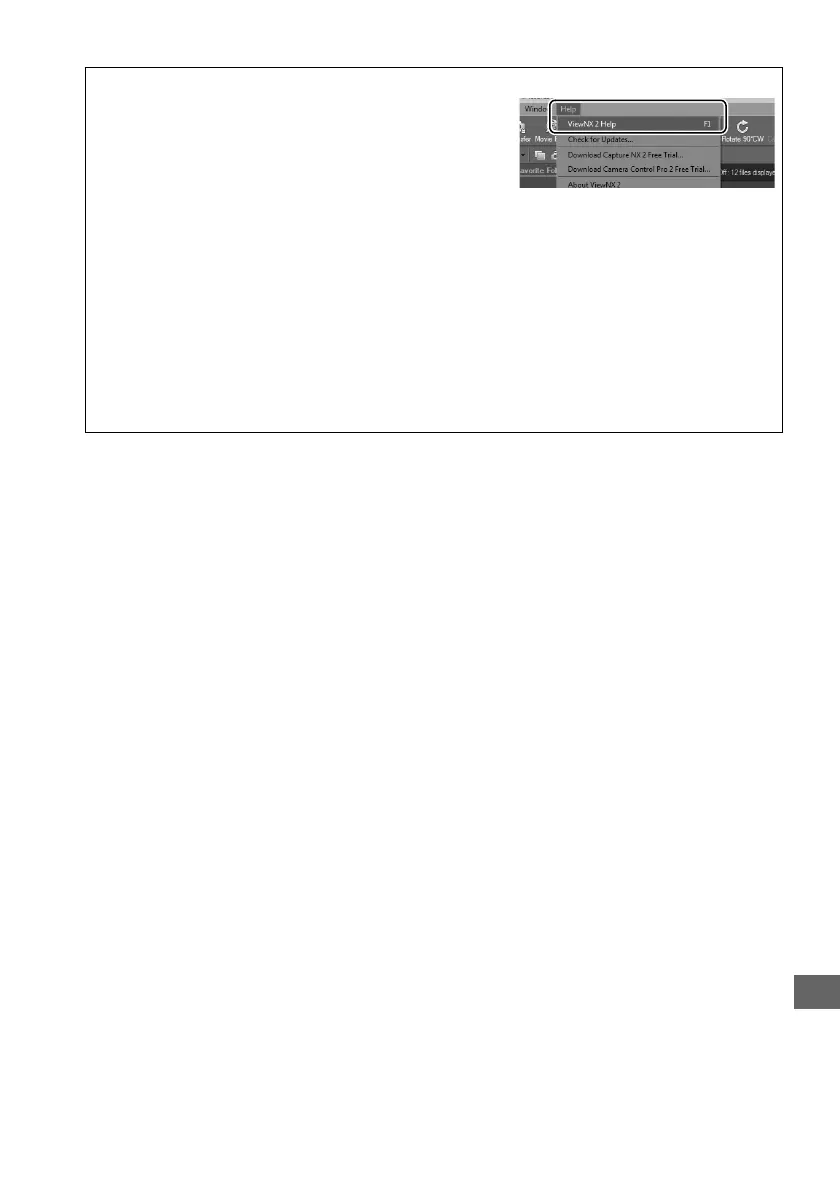
A For More Information
Consult online help for more information on using
ViewNX 2.
A Connecting Cables
Be sure the camera is off when connecting or disconnecting interface cables.
Do not use
force or attempt to insert the connectors at an angle.
Close the connector cover when the
connector is not in use.
D During Transfer
Do not turn the camera off or disconnect the USB cable while transfer is in progress.
A Windows
To visit the Nikon website after installing ViewNX 2, select All Programs > Link to Nikon
from the Windows start menu (Internet connection required).



 To Next Page