323
n
Custom Settings
6
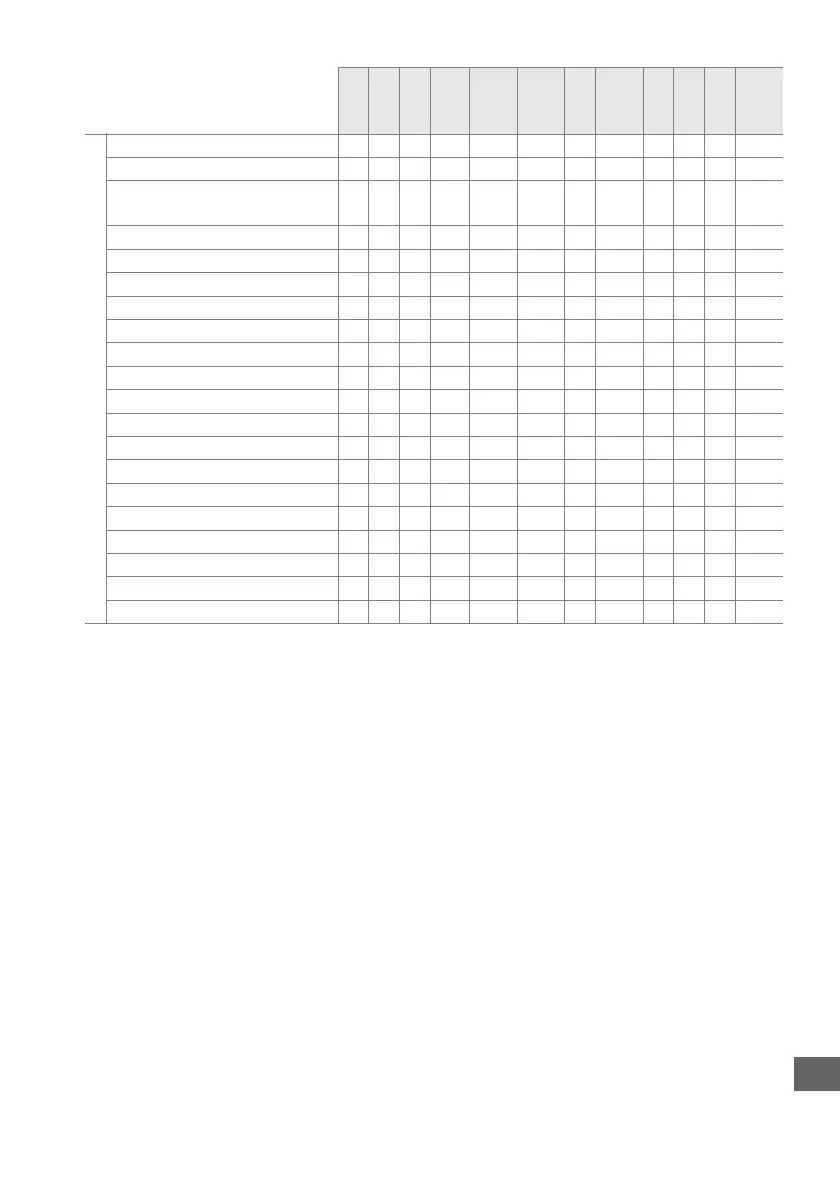
e1: Flash sync speed zzz z z z z z zzz z
e2: Flash shutter speed — — zz — ———————
e3: Flash cntrl for built-in
flash/Optional flash
——zz — ———————
e4: Exposure comp. for flash — — zz — ———————
e5: Modeling flash — — zz — ———————
e6: Auto bracketing set — — zz — ———————
e7: Bracketing order — — zz — ———————
f1: OK button zzz z z z z z zzz z
f2: Assign Fn button zzz z z z z z zzz z
f3: Assign preview button zzz z z z z z zzz z
f4: Assign AE-L/AF-L button zzz z z z z z zzz z
f5: Customize command dials zzz z z z z z zzz z
f6: Release button to use dial zzz z z z z z zzz z
f7: Slot empty release lock zzz z z z z z zzz z
f8: Reverse indicators zzz z z z z z zzz z
f9: Assign MB-D15 4 button zzz z z z z z zzz z
g1: Assign Fn button zzz z z z z z zzz z
g2: Assign preview button zzz z z z z z zzz z
g3: Assign AE-L/AF-L button zzz z z z z z zzz z
g4: Assign shutter button zzz z z z z z zzz z
1 Reset with Reset shooting menu (0 224).
2 Reset with two-button reset (0 131).
Individual settings for multiple exposure are
unaffected.
3Fixed at Auto.
4 Auto ISO sensitivity control is not available.
5 Reset when mode dial is rotated to new setting.
6 Reset with Reset custom settings (0 231).
i j P
S, A,
M
k, p,
n, o,
s
l, m,
r, t,
u, v w
x, y,
z, 0 % g i
u, 1,
2, 3



 To Next Page