15
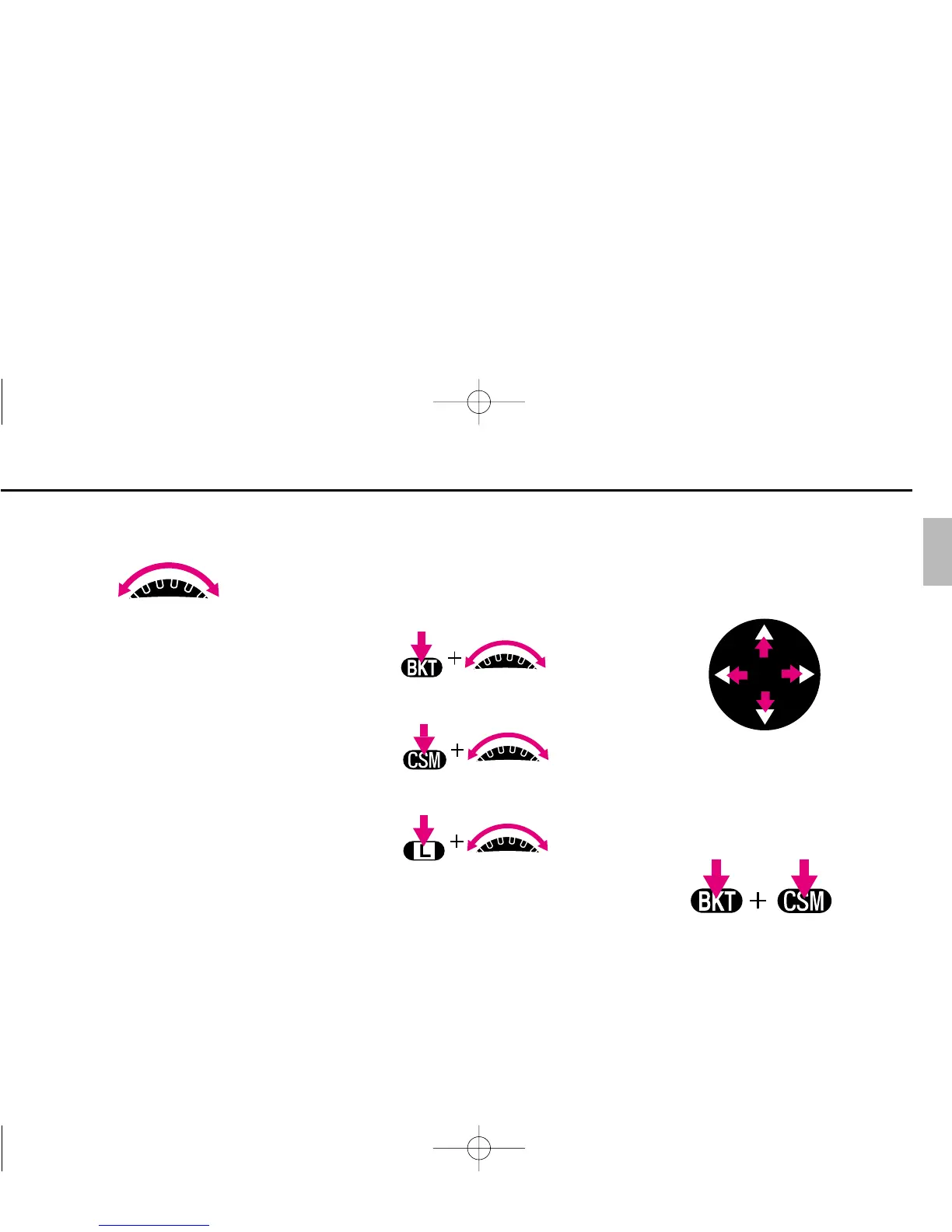
Sub-Command Dial
Rotating Sub-Command Dial by itself:
• Selecting aperture in Aperture-Priority
Auto or Manual exposure mode. See
pages 61 or 64-66.
* Aperture can also be set on the lens’
aperture ring (except for G-type Nikkor
lens). Aperture can only be set on the
lens’ aperture ring with non-CPU lens.
Rotating Sub-Command Dial while
pressing various buttons:
• Setting number of exposure and
compensation value in the Auto
Exposure/Flash Exposure Bracketing.
See pages 79-81.
• Selecting and making a Custom Setting.
See page 91.
• Locking aperture. See page 59.
Focus Area Selector
Pressing one of the focus area selector
arrows changes the focus area in the
corresponding direction. See pages 38-
39.
‚ and · Buttons
Pressing ‚ and · buttons simulta-
neously for more than two seconds resets
various functions to the initial settings.
See page 34.
P400 (E) 02.12.27 6:42 PM Page 15



 To Next Page