70
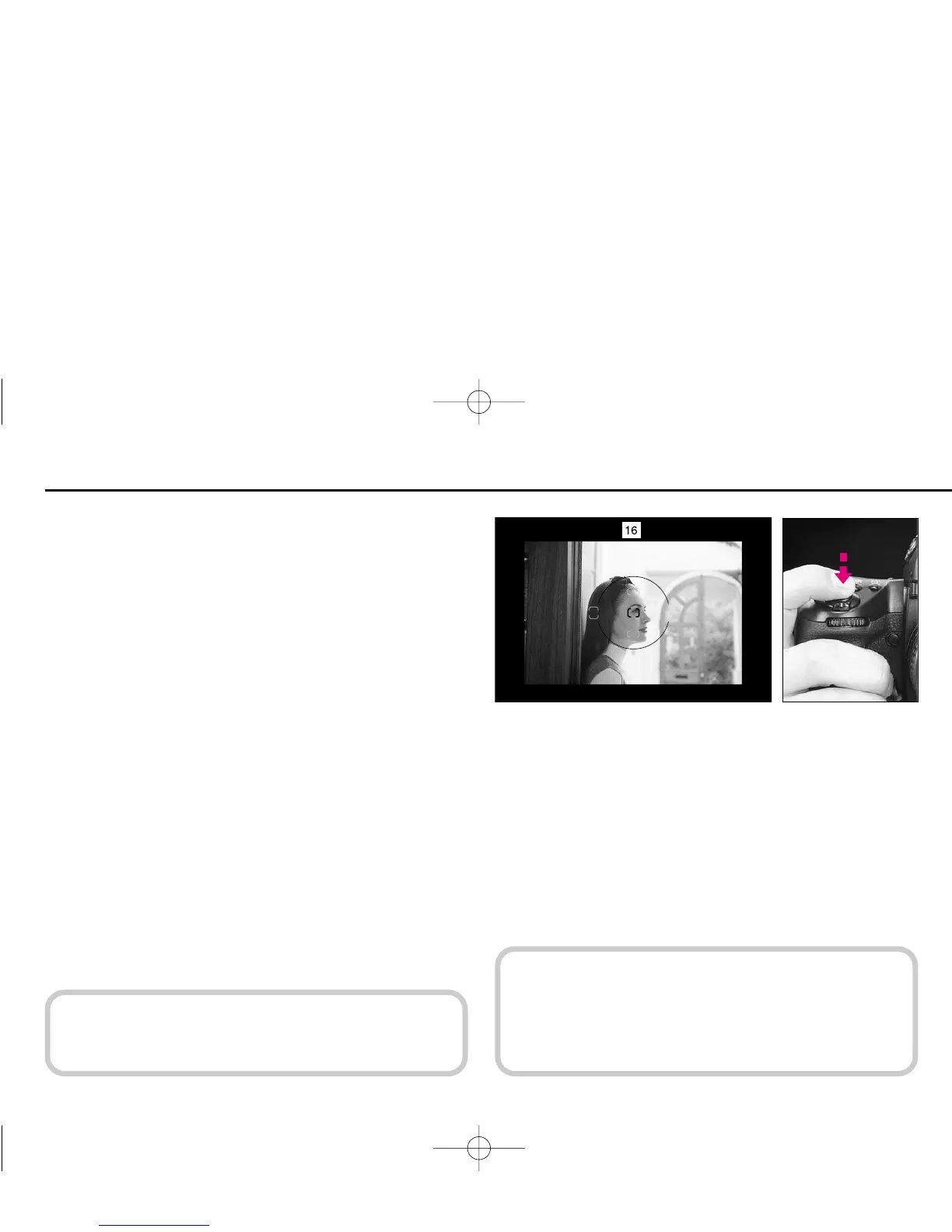
FOCUS LOCK—To take off-center subjects
1
Position focus brackets on subject and lightly press shutter
release button to start autofocus operation.
With a moving subject, focus cannot be locked.
In Single Servo AF mode, focus remains locked as long as
the shutter release button is kept lightly pressed. Focus can be
locked from any of the five focus areas selected.
• In Continuous Servo AF mode, lock focus using AE-L/AF-L
button. See page 72.
In this case, both exposure and focus are simultaneously
locked.
c
Both exposure and focus can be set
to lock simultaneously when the shut-
ter release button is lightly pressed using Custom Setting
#7. See page 89.
P400 (E) 02.12.27 6:42 PM Page 70



 To Next Page