6362
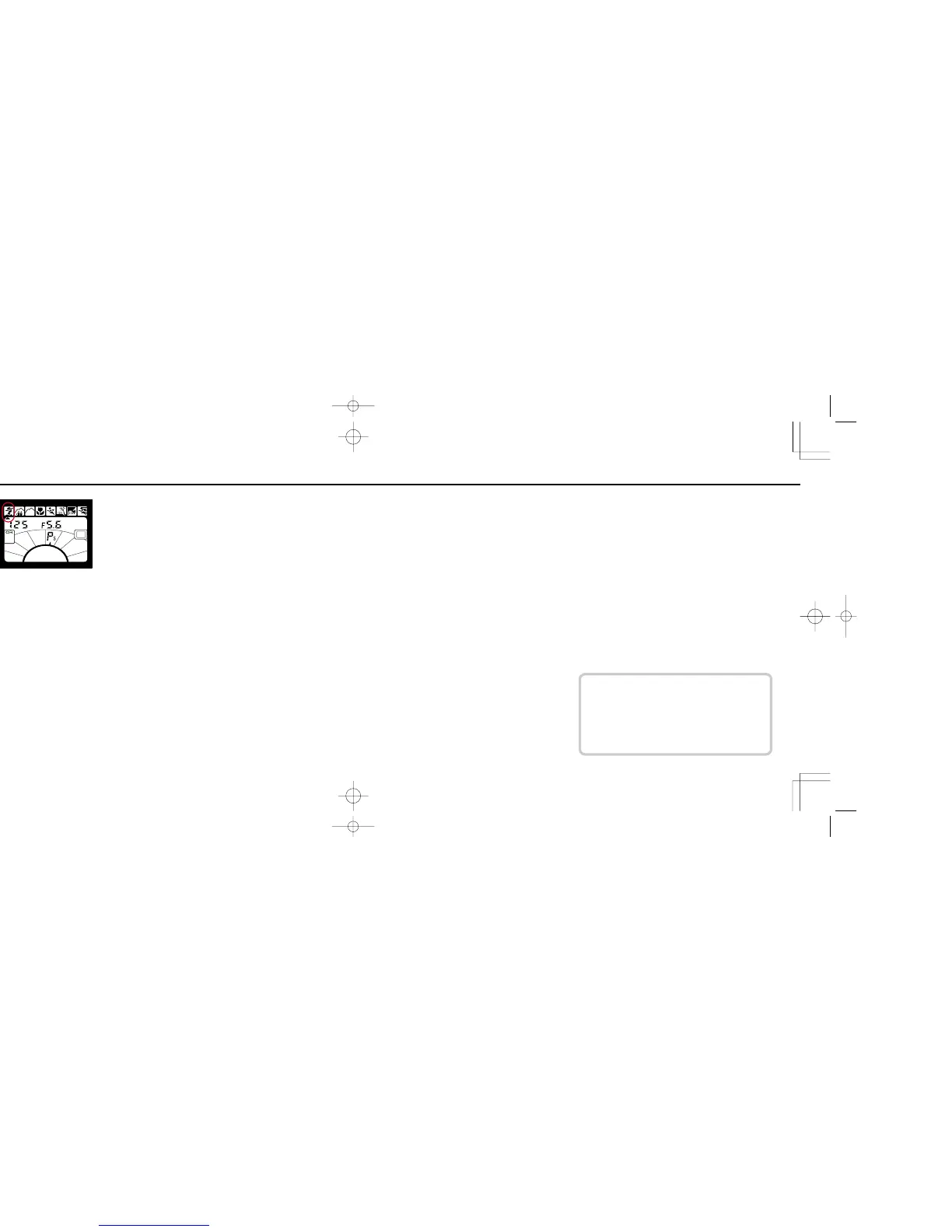
SETTING VARI-PROGRAM
Use Nikkor lenses with CPU such as AF Nikkor or AI-P-
Nikkor lenses and be sure to set lens aperture to the
minimum setting.
Press Vari-Program (Ps) button and confirm exposure mode
symbol (A, F, D or G) starts blinking. While holding Ps button,
rotate command dial until S appears in the Exposure Mode
Area and Vari-Program set indicator appears under your
desired Vari-Program symbol. Then remove your finger from
Ps button.
To cancel Vari-Program
While pressing Ps button and rotate command dial until Vari-
Program set indicator disappears. Then remove your finger
from the Ps button. The previously set exposure mode (A, F, D
or G) will activate.
If you want to change exposure mode: Without pressing Ps
button, hold FUNCTION button and rotate command dial until
Function Area indicator appears in the exposure mode area
and A, F, D or G blinks. Then hold SET/! button to set desired
exposure mode.
For Flash photography with Vari-Program
Use ISO 100 to ISO 400 films. Films having film speed
over ISO 400 may cause overexposed background.
When Vari-Program is set, camera settings are automatically
reset as follows:
Metering system i Matrix*
Focus area < Wide*, or > Spot with
flash
Flexible Program Cancel*
Sync mode Slow Sync for Night Scene
Program and Motion Effect
Program, or normal sync for
others**
Exposure compensation function Cancel*
* You can change setting as desired.
** You can set Red-Eye Reduction with built-in flash or SB-28/SB-28DX/SB-27/SB-26,
without canceling Slow Sync. If an accessory Speedlight other than the SB-28/SB-
27/SB-26 is attached, setting sync mode to Red-Eye Reduction causes j, k, and
l blinking in the LCD panel. In this case, Slow Sync will be performed without
Red-Eye Reduction.
F70D I/MêÊçsâ¸í˘ 03.1.16 5:33 PM Page 62













 To Next Page