8584
SELF-TIMER OPERATION
1
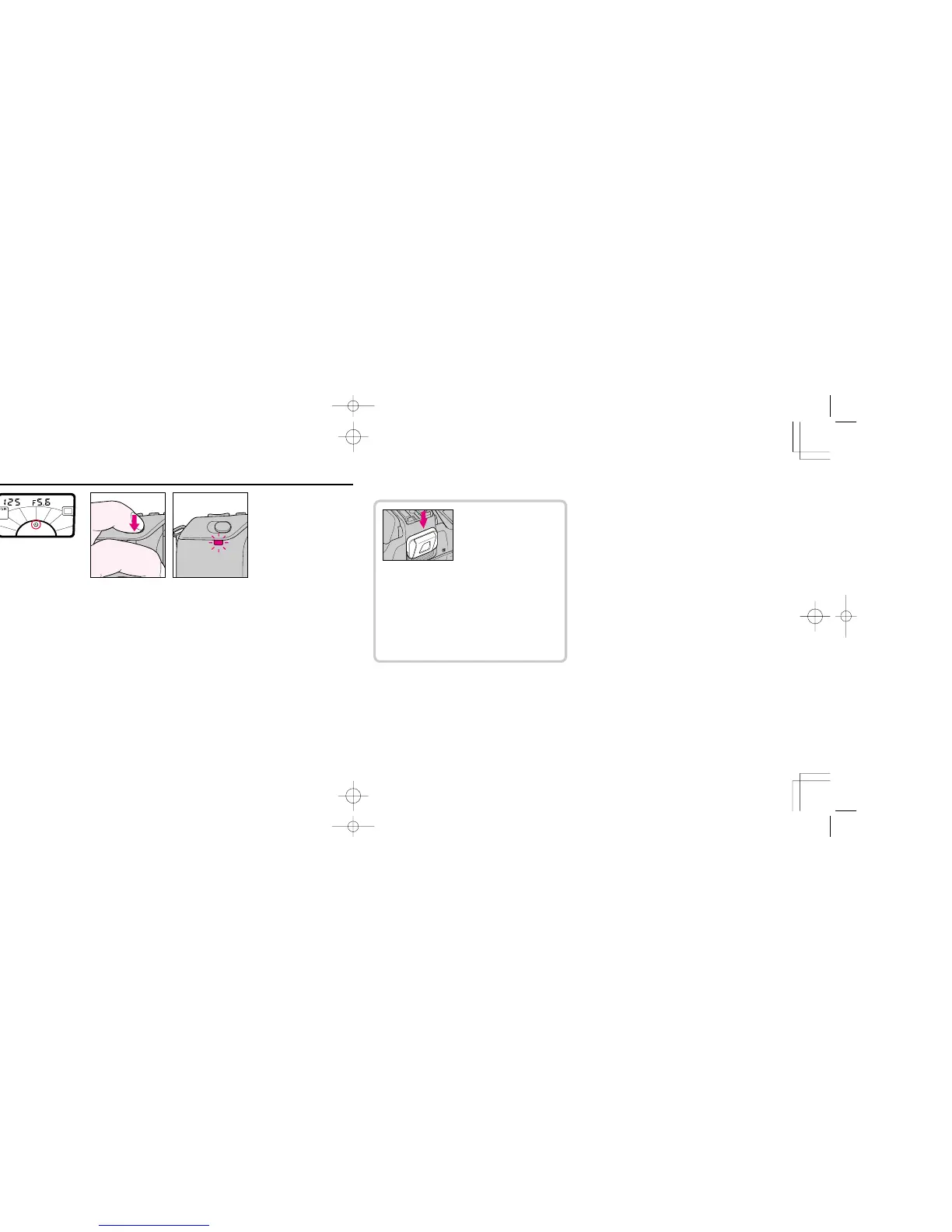
Press self-timer (SET/!) button and confirm that ! starts
blinking in LCD panel. While pressing SET/! button, rotate
command dial one click so that ! stops blinking. Then remove
finger from SET/! button.
• To cancel self-timer, press SET/! button and rotate command
dial so that ! disappears.
2
Look through the viewfinder, lightly press shutter release
button, and confirm focus and exposure.
3
Fully depress shutter release button. The self-timer LED
starts blinking. The shutter will release after 10 seconds.
The self-timer LED blinks for eight seconds, then stops blinking
to tell you get ready for the shot.
To cancel self-timer operation before shooting: Turn the
camera's power off.
• When using any Auto exposure mode, attach the
eyepiece cover (provided) to the viewfinder eyepiece
before setting self-timer. The eyepiece cover prevents
stray light from entering viewfinder and affecting
exposure.
• In Single Servo AF mode, self-timer operates only when
in-focus indicator (u) appears inside viewfinder.
• Regardless of film advance mode setting, continuous
shooting is not performed.
• At fi setting, shutter will release at around 1/30
sec.
F70D I/MêÊçsâ¸í˘ 03.1.16 5:33 PM Page 84













 To Next Page