BUILT-IN FLASH OPERATION
1
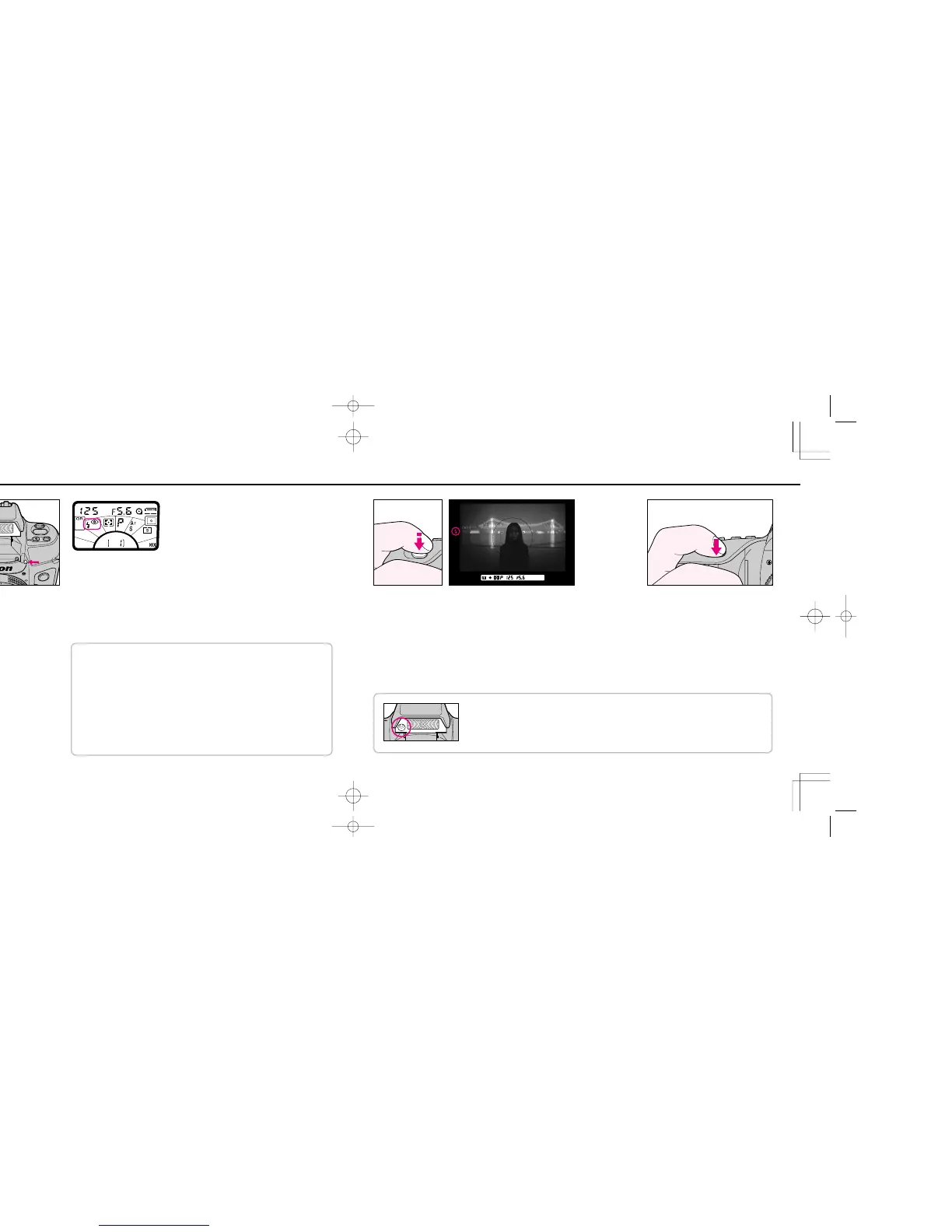
Press the flash lock-release to
release and activate the built-in
flash.
• If continuous shooting (Z or X) is set
on the camera, it automatically
switches over to single-frame shooting
(V) when the built-in flash pops up. In
this case, Z or X blinks in LCD
panel.
• If Wide Area focus is set on the
camera, it automatically switches over
to Spot Area focus when the built-in
flash pops up. In this case, < blinks in
LCD panel, and e appears inside the
viewfinder.
2
Set metering system to Matrix (i) and set exposure mode as desired. Then set
flash sync mode as desired.(See page 68). In the example illustration, Red-Eye
Reduction mode is set.
3
Set shutter speed and aperture. (See table on page 99).
For Slow Sync
• Set exposure mode to
Programmed Auto (A) or Aperture-
Priority Auto (D).
• Slow Sync is automatically set with
Night Scene Program and Motion
Effect Program.
• Use a tripod to prevent camera
shake.
For Rear-Curtain Sync
• Since Rear-Curtain Sync is
especially effective at a slow shutter
speed, Slow Sync is automatically
set at the same time that Rear-
Curtain Sync is set in Programmed
or Aperture-Priority Auto exposure
mode.
• When selecting a slower shutter
speed, use a tripod to prevent
camera shake.
4
Compose and lightly press shutter release button. Confirm that ready-light (red j)
lights up.
• If electronic analog display is shown in Shutter-Priority, Aperture-Priority Auto or
Manual exposure mode, background may be underexposed. To obtain correct
exposure for background:
In Shutter-Priority Auto exposure mode: Set a slower shutter speed.
In Aperture-Priority Auto exposure mode: Set flash sync mode to Slow Sync to
extend the automatically controlled shutter speed range, or set a wider aperture.
In Manual exposure mode: Set a slower shutter speed and/or a wider aperture.
5
Make sure the subject is within the
flash shooting distance range (page
90), then fully depress shutter release
button to take a shot with flash.
After shooting, check ready-light again. If
it blinks for a few seconds after shooting,
the light might have been insufficient.
Confirm shooting distance and if
necessary, move closer to the subject or
select a wider aperture.
With Red-Eye Reduction
Before shutter release, the red-eye reduction lamp lights up for approx. one second to make
the subject’s eye pupils become smaller, thus reducing the appearance of red-eye.
F70D I/MêÊçsâ¸í˘ 03.1.16 5:33 PM Page 96













 To Next Page