Follow
the
steps below
to
shoot panoramas. During shooting,
the
camera focuses using auto-area
AF;
face detection
is
not
available. Exposure compensation
can
be used,
but
the built-in
flash will
not
fire.
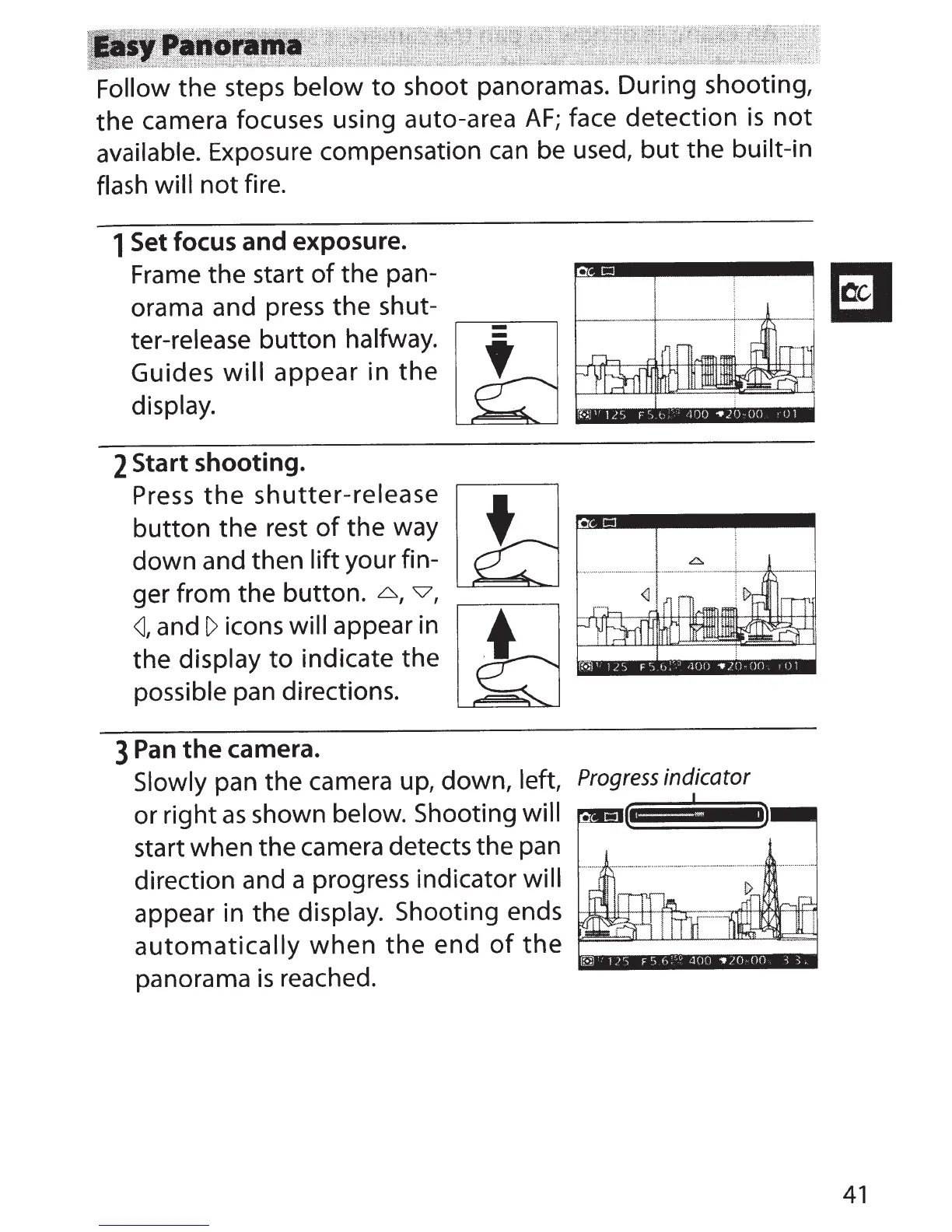
1
Set focus and exposure.
Frame
the start
of
the pan-
orama and press the shut-
ter-release
button
halfway.
Guides
will
appear in
the
display.
2 Start shooting.
Press
the
shutter-release
button
the
rest
of
the way
down and then
lift
your fin-
ger from the button.
6,
V',
<l,
and
~
icons will appear in
the display
to
indicate the
possible pan directions.
3
Pan
the
camera.
Slowly pan the camera up, down, left,
or right
as
shown below.
Shooting will
start when the camera detects the pan
direction and a progress indicator will
appear in the display. Shooting ends
automatically
when
the
end
of
the
panorama
is
reached.
. -
Progress
indicator
I
~---
I
41



 To Next Page