EasyManua.ls Logo

Nikon J3 - Page 45

Nikon J3
350 pages
Print Icon
To Next Page IconTo Next Page
To Previous Page IconTo Previous Page
Loading...
II
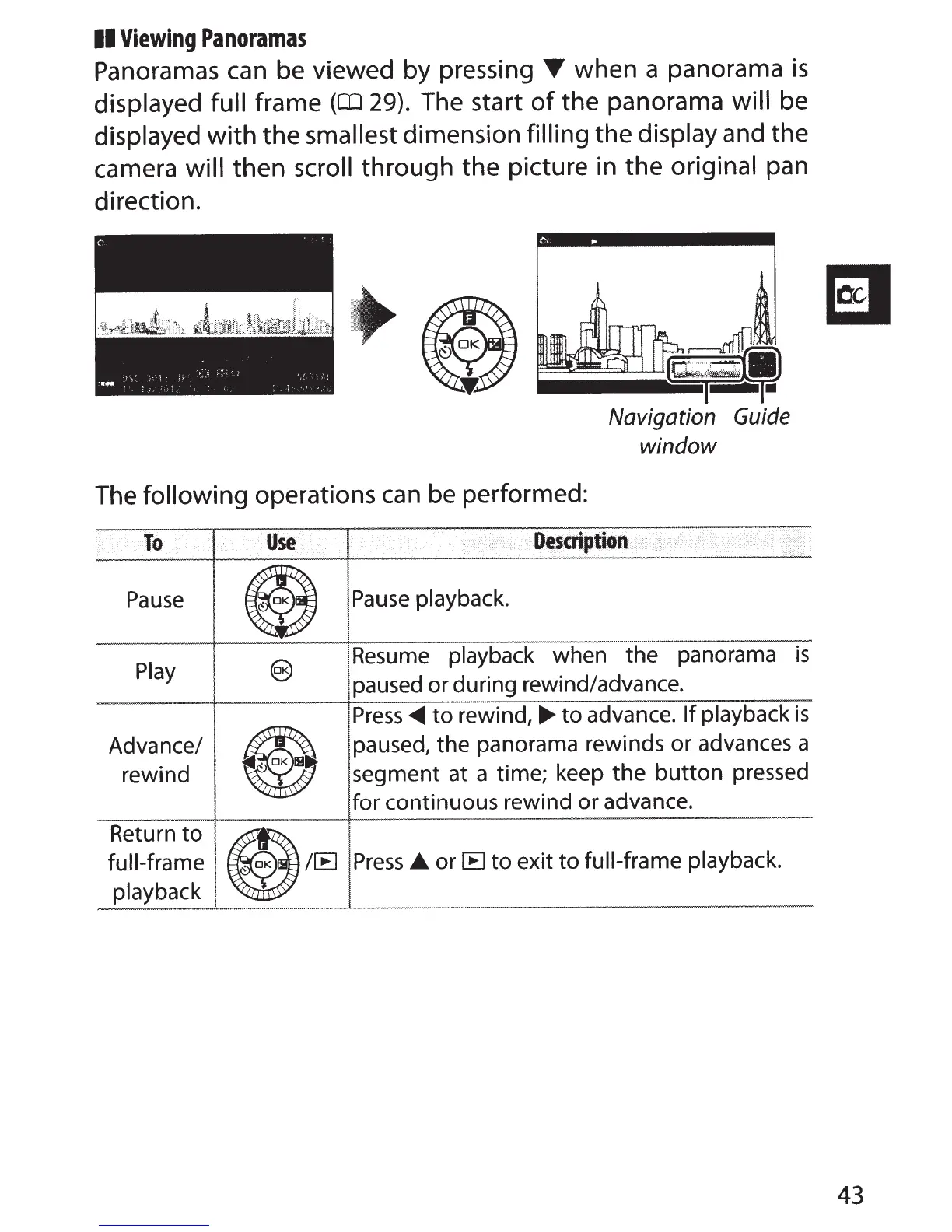
Viewing
Panoramas
Panoramas
can
be viewed by pressing
T
when a panorama
is
displayed full
frame
(QJ
29).
The start
of
the panorama
will
be
displayed
with
the
smallest dimension
filling the display
and the
camera will then
scroll
through the picture in the original
pan
direction.
Navigation
Guide
window
The
following operations
can
be performed:
To
·.•
Use
•......
Description
. .
\>
Pause
e
Pause
playback.
Play
@)
Resume
playback
when the panorama
is
paused or during rewind/advance.
e
Press~
to
rewind,
.,..
to
advance.
If
playback
is
Advance/
paused, the panorama rewinds or advances a
rewind
segment at a time; keep
the
button
pressed
for continuous rewind or advance.
Return
to
e~~
full-frame
Press
or
IE
to
exit
to
full-frame playback.
playback
43

Table of Contents

Related product manuals