est
Moment
Capture
Mode
This mode
is
ideal
for fast-changing, hard-to-capture subjects.
Choose
when
to
release the shutter
as
the scene plays back in
slow motion
(slow
view), or let the camera choose the best shot
based on composition and motion (Smart Photo
Selector;
CD
47).
In
this mode,
the
camera captures a short sequence
of
still
images and
plays
them
back in slow
motion
so
that
you
can
choose the precise moment for a photograph.
While
the shutter-
release
button
is
pressed
halfway,
the camera records up
to
20
frames over
about
1.3
s and
plays them back in a continuous
slow-motion
loop.
When
the
frame you
want
to
keep
is
dis-
played,
press
the
shutter-release
button
the
rest
of
the
way
down
to
record the current frame and discard
the
remaining
images.
To
use
slow
view, select
Slow
view
from the
•
(II)
but-
ton menu in best moment capture mode.
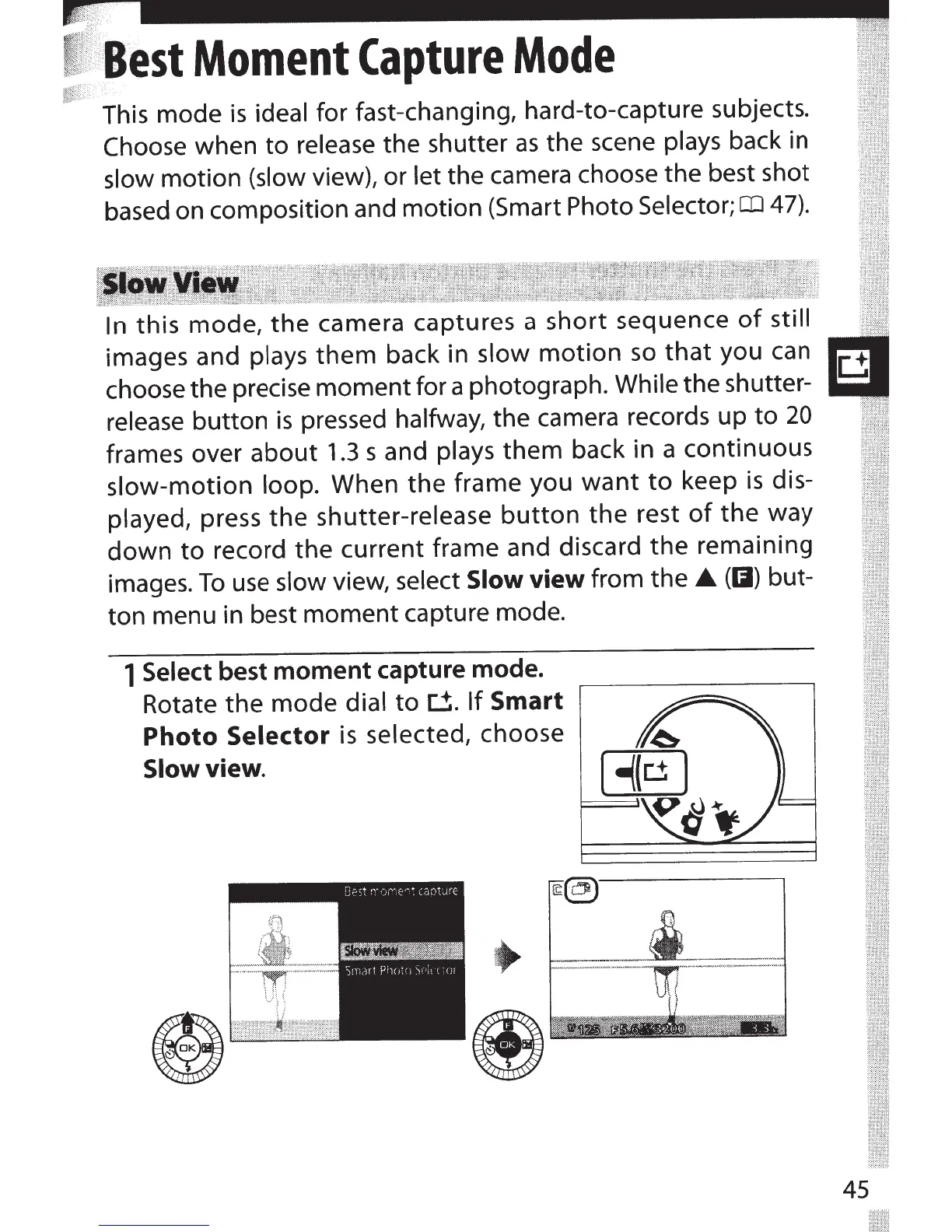
1
Select best
moment
capture mode.
Rotate the mode
dial
to
~.
If
Smart
Photo
Selector
is
selected, choose
Slow
view.
45



 To Next Page